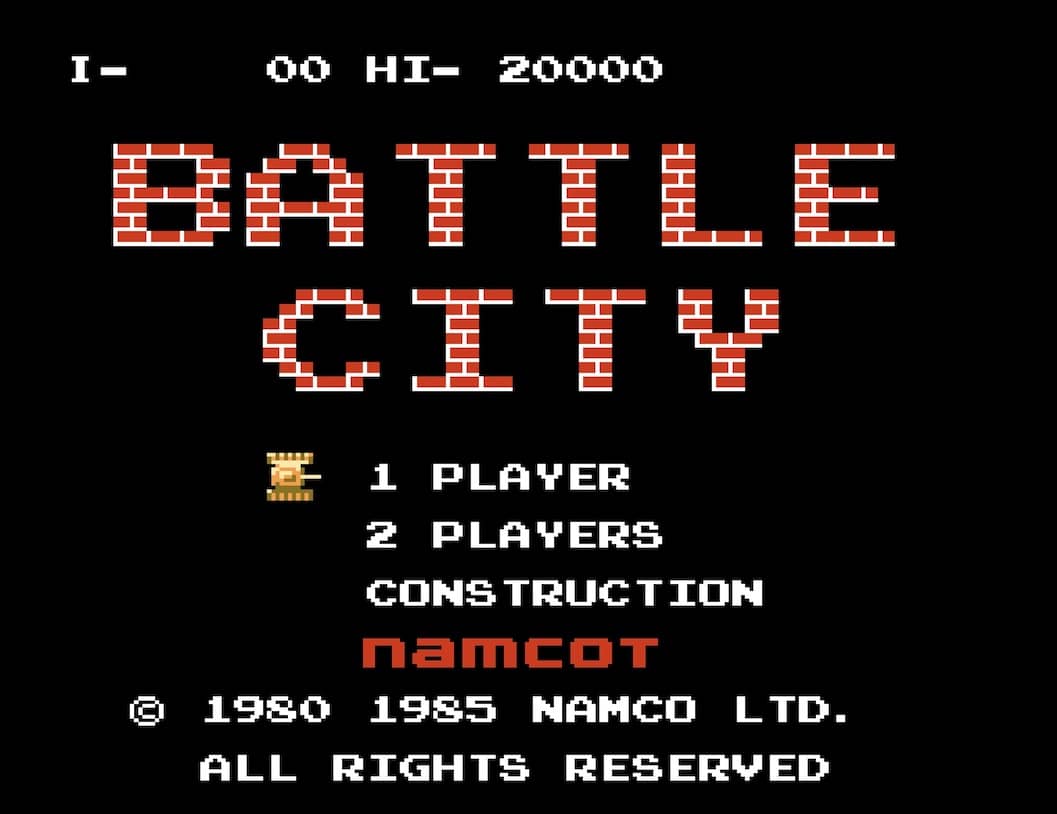
Hochgeladen von 大帅
So spielt man
In Battle City, you control a tank from a top-down perspective with the goal of defending your eagle base at the bottom of the screen. Use the D-pad to move your tank in four directions and the A or B button to fire bullets at enemy tanks that appear from the top. You must destroy all enemy tanks in each stage to advance. Your base is vulnerable; if an enemy tank or bullet hits it, you lose a life. Power-ups occasionally appear when you destroy certain enemy tanks, granting abilities like increased firepower, speed boosts, or temporary invincibility. The battlefield is filled with destructible brick walls and indestructible steel walls that provide cover but can also block your shots. Early on, focus on clearing a safe path to protect your base while picking off enemies from a distance. As stages progress, enemy tanks become faster and more aggressive, requiring quick reflexes and strategic use of terrain. In tense moments, prioritize destroying tanks that are heading directly for your base and use power-ups wisely to turn the tide.
Spielinformationen
Battle City online spielen – Famicom FAQ
Kann ich Battle City kostenlos online spielen?
Ja. Du kannst Battle City auf GGEMU kostenlos online im Browser spielen, ganz ohne Download.
Kann ich Battle City auf dem Handy spielen?
Ja. Du kannst Battle City über GGEMU sowohl auf Mobilgeräten als auch in Desktop-Browsern spielen.
Kann ich meinen Spielstand in Battle City speichern?
Ja. Battle City unterstützt lokale Speicherstände auf GGEMU. Mitglieder von GGEMU Premium können Spielstände außerdem in der Cloud speichern.
Brauche ich einen Emulator oder spezielle Hardware, um Battle City zu spielen?
Nein. GGEMU führt Battle City in deinem Browser aus, sodass du weder originale Famicom-Hardware noch einen separaten Emulator benötigst.
Kann ich Battle City im Vollbildmodus spielen?
Ja. Battle City unterstützt auf GGEMU den Vollbildmodus für ein intensiveres Spielerlebnis.
Kann ich Battle City mit einem Gamepad oder Controller spielen?
Ja. Wenn ein kompatibler Controller angeschlossen ist, kannst du Battle City auf GGEMU mit dem Gamepad steuern.