Hochgeladen von 大帅
So spielt man
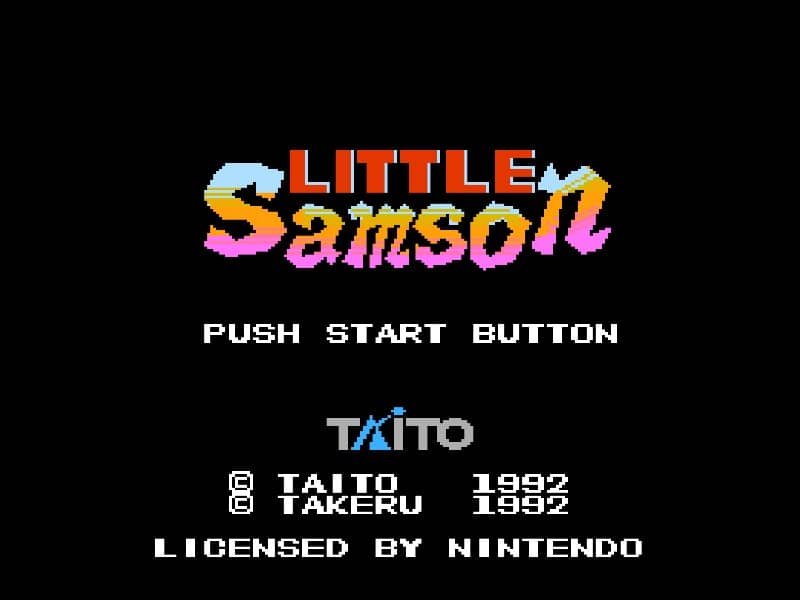
In Little Samson, your goal is to guide a group of heroes through side-scrolling stages filled with enemies, obstacles, and bosses. You can switch between four characters at any time: Samson the human prince, Kikira the dragon, Gamm the golem, and K.O. the mouse. Each hero has unique movement and attack abilities—Samson throws daggers and can climb walls, Kikira flies and breathes fire, Gamm punches and can break certain blocks, while K.O. sticks to walls and ceilings. Use character switching to overcome specific challenges, like having Kikira fly over gaps or Gamm smash barriers. Collect power-ups to enhance your health and attack range. The game requires careful resource management, as each character has a separate life bar. In tense moments, prioritize avoiding damage and swapping to the right hero for the situation. Boss battles demand pattern recognition and exploiting weaknesses with the most suitable character.
Spielinformationen
Little Samson online spielen – Famicom FAQ
Kann ich Little Samson kostenlos online spielen?
Ja. Du kannst Little Samson auf GGEMU kostenlos online im Browser spielen, ganz ohne Download.
Kann ich Little Samson auf dem Handy spielen?
Ja. Du kannst Little Samson über GGEMU sowohl auf Mobilgeräten als auch in Desktop-Browsern spielen.
Kann ich meinen Spielstand in Little Samson speichern?
Ja. Little Samson unterstützt lokale Speicherstände auf GGEMU. Mitglieder von GGEMU Premium können Spielstände außerdem in der Cloud speichern.
Brauche ich einen Emulator oder spezielle Hardware, um Little Samson zu spielen?
Nein. GGEMU führt Little Samson in deinem Browser aus, sodass du weder originale Famicom-Hardware noch einen separaten Emulator benötigst.
Kann ich Little Samson im Vollbildmodus spielen?
Ja. Little Samson unterstützt auf GGEMU den Vollbildmodus für ein intensiveres Spielerlebnis.
Kann ich Little Samson mit einem Gamepad oder Controller spielen?
Ja. Wenn ein kompatibler Controller angeschlossen ist, kannst du Little Samson auf GGEMU mit dem Gamepad steuern.