Come giocare
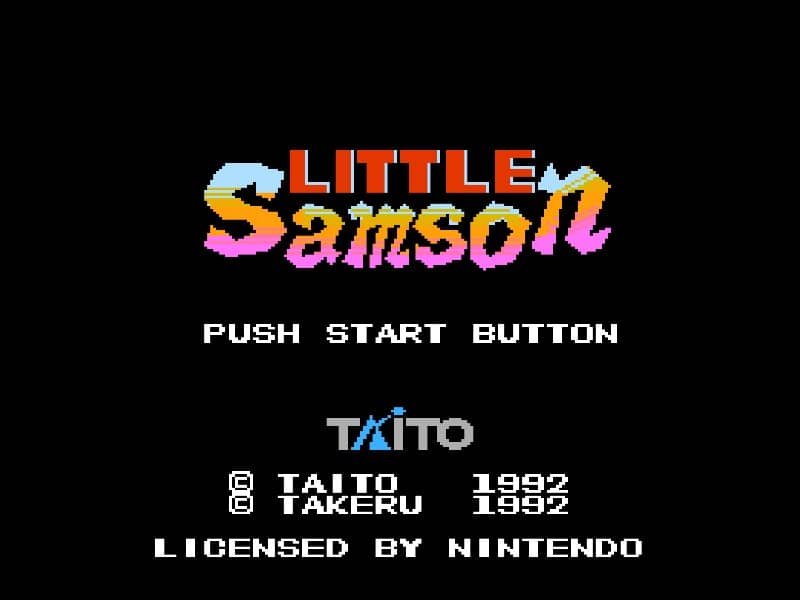
In Little Samson, your goal is to guide a group of heroes through side-scrolling stages filled with enemies, obstacles, and bosses. You can switch between four characters at any time: Samson the human prince, Kikira the dragon, Gamm the golem, and K.O. the mouse. Each hero has unique movement and attack abilities—Samson throws daggers and can climb walls, Kikira flies and breathes fire, Gamm punches and can break certain blocks, while K.O. sticks to walls and ceilings. Use character switching to overcome specific challenges, like having Kikira fly over gaps or Gamm smash barriers. Collect power-ups to enhance your health and attack range. The game requires careful resource management, as each character has a separate life bar. In tense moments, prioritize avoiding damage and swapping to the right hero for the situation. Boss battles demand pattern recognition and exploiting weaknesses with the most suitable character.
Informazioni sul gioco
Gioca a Little Samson online - FAQ Famicom
Posso giocare gratis a Little Samson online?
Sì. Puoi giocare gratis a Little Samson online nel browser su GGEMU, senza scaricare nulla.
Posso giocare a Little Samson su smartphone?
Sì. Puoi giocare a Little Samson tramite GGEMU sia sui dispositivi mobili sia nei browser desktop.
Posso salvare i progressi in Little Samson?
Sì. Little Samson supporta gli stati di salvataggio locali su GGEMU. I membri di GGEMU Premium possono anche salvare nel cloud.
Mi servono un emulatore o hardware speciale per giocare a Little Samson?
No. GGEMU esegue Little Samson nel tuo browser, quindi non servono l'hardware originale Famicom o un emulatore separato.
Posso giocare a Little Samson a schermo intero?
Sì. Little Samson supporta la modalità a schermo intero su GGEMU per un'esperienza più coinvolgente.
Posso giocare a Little Samson con un gamepad o controller?
Sì. Se colleghi un controller compatibile, puoi usare il gamepad per giocare a Little Samson su GGEMU.