遊び方
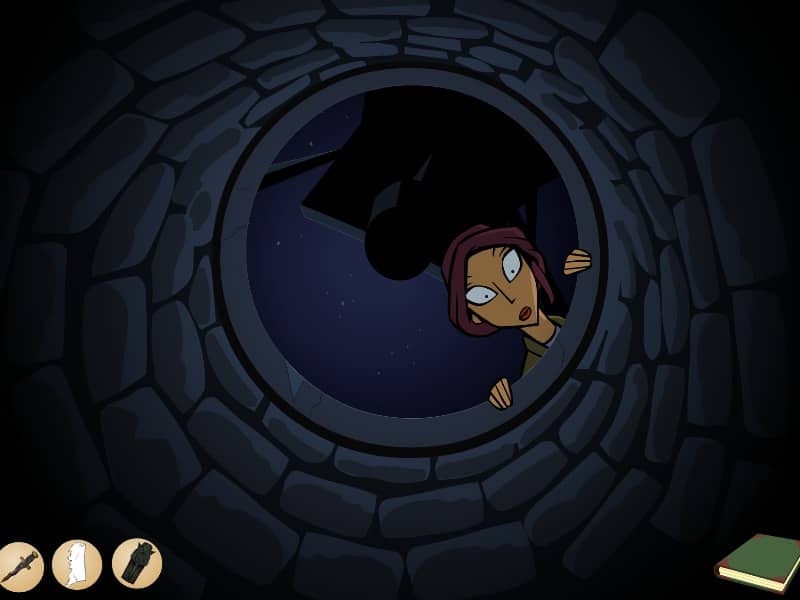
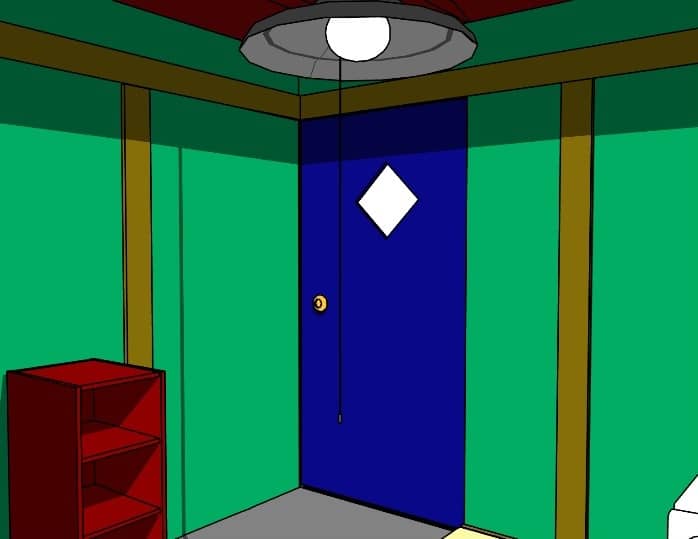
Players interact with the environment by clicking on objects to collect items, examine details, and solve intricate logic puzzles within a single room. The objective is to navigate through a series of surreal events during a family birthday party. Use the arrows on the edges of the screen to rotate around the room and view different walls. Items collected in the inventory can be dragged and dropped onto specific parts of the scene to trigger reactions, unlock new areas, or interact with family members. Focus on observing the environment for clues, such as patterns on the wall, cryptic notes, or specific numbers mentioned in dialogue. As the story progresses, the atmosphere shifts from a normal celebration to a tense survival scenario. Pay close attention to the timing of events and the placement of objects, as the puzzle solutions often involve manipulating the environment to prevent a sudden threat. Success requires connecting seemingly unrelated items and logical deduction to progress through the unsettling narrative and reach the conclusion of the memory.
ゲーム情報
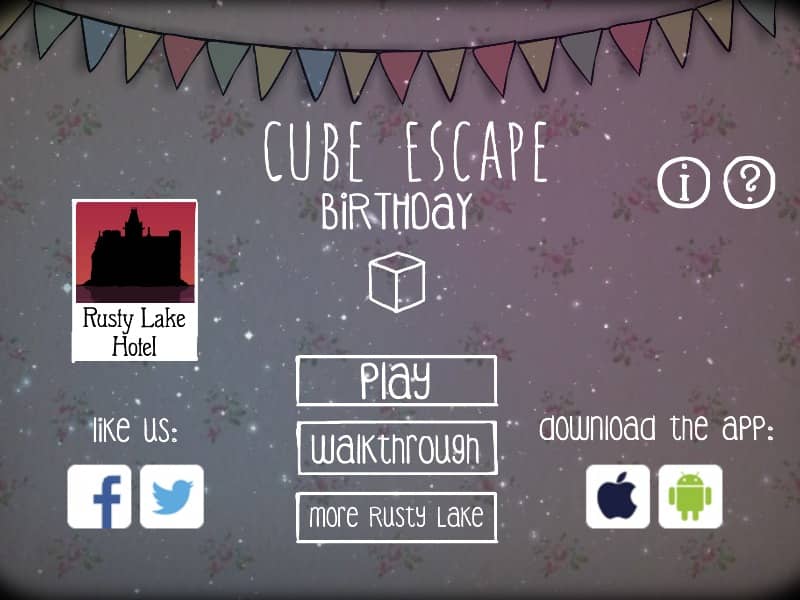
Cube Escape: Birthdayをオンラインでプレイ – FLASH版のよくある質問
Cube Escape: Birthdayは無料でオンラインプレイできますか?
はい。ダウンロード不要で、GGEMUのブラウザ上からCube Escape: Birthdayを無料でオンラインプレイできます。
Cube Escape: Birthdayはスマートフォンで遊べますか?
はい。GGEMUなら、スマートフォンなどのモバイル端末でもパソコンのブラウザでもCube Escape: Birthdayをプレイできます。
Cube Escape: Birthdayの進行状況を保存できますか?
Cube Escape: Birthdayは現在GGEMUのセーブステートに対応していません。ゲーム内にセーブ機能がある場合は、そちらをご利用ください。
Cube Escape: Birthdayを遊ぶにはエミュレーターや専用ハードが必要ですか?
いいえ。Cube Escape: BirthdayはGGEMUのブラウザ上で直接動作するため、追加のハードウェアやソフトウェアは必要ありません。
Cube Escape: Birthdayはフルスクリーンで遊べますか?
はい。Cube Escape: BirthdayはGGEMUのフルスクリーンモードに対応しており、より没入感のあるプレイを楽しめます。
Cube Escape: Birthdayはゲームパッドやコントローラーで遊べますか?
はい。対応コントローラーを接続すれば、GGEMUでCube Escape: Birthdayをゲームパッド操作できます。