遊び方
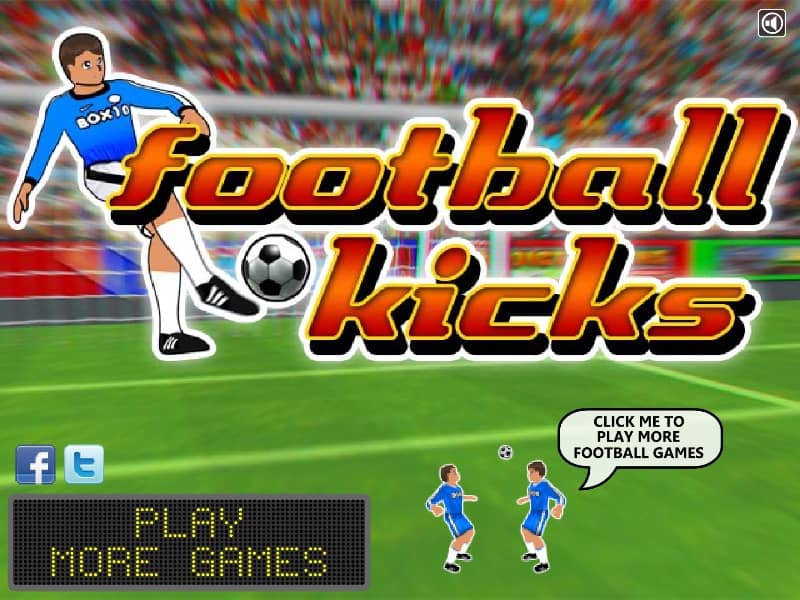
In Football Kicks, your primary objective is to score goals from various free-kick positions on the field. To take a shot, use your mouse to click and drag a trajectory line from the ball toward the goal, setting the angle, height, and power of the kick. Alternatively, click at the right moments on the moving meters to determine the direction, elevation, and swerve of your shot. To bypass the defensive wall and beat the goalkeeper, practice curving the ball by applying spin during your swipe or click sequence. Target the top and bottom corners of the net where the goalie is least likely to reach. As you progress, the distance increases and the defensive wall shifts, requiring more precise power control and sharper angles to score.
ゲーム情報
Football Kicksをオンラインでプレイ – FLASH版のよくある質問
Football Kicksは無料でオンラインプレイできますか?
はい。ダウンロード不要で、GGEMUのブラウザ上からFootball Kicksを無料でオンラインプレイできます。
Football Kicksはスマートフォンで遊べますか?
はい。GGEMUなら、スマートフォンなどのモバイル端末でもパソコンのブラウザでもFootball Kicksをプレイできます。
Football Kicksの進行状況を保存できますか?
Football Kicksは現在GGEMUのセーブステートに対応していません。ゲーム内にセーブ機能がある場合は、そちらをご利用ください。
Football Kicksを遊ぶにはエミュレーターや専用ハードが必要ですか?
いいえ。Football KicksはGGEMUのブラウザ上で直接動作するため、追加のハードウェアやソフトウェアは必要ありません。
Football Kicksはフルスクリーンで遊べますか?
はい。Football KicksはGGEMUのフルスクリーンモードに対応しており、より没入感のあるプレイを楽しめます。
Football Kicksはゲームパッドやコントローラーで遊べますか?
はい。対応コントローラーを接続すれば、GGEMUでFootball Kicksをゲームパッド操作できます。