玩法介绍
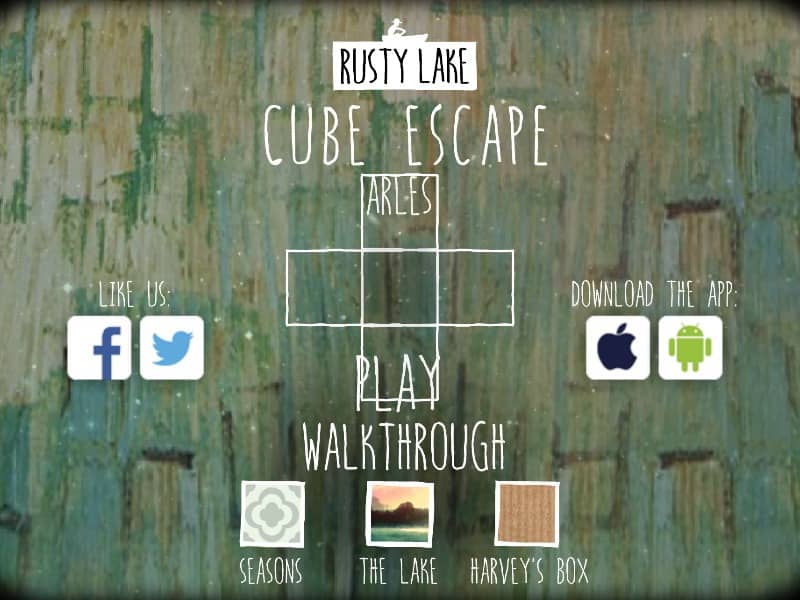
In Cube Escape: Arles, you navigate a stylized version of Vincent van Gogh's bedroom using a point-and-click interface. Your primary objective is to find a way out by interacting with the environment and solving a series of logic-based and abstract puzzles. You can move between the four walls of the room by clicking the navigation arrows at the edges of the screen. To progress, you must click on objects to inspect them, pick up items to add to your inventory, and then select those items to use them on specific parts of the scenery. The game requires careful observation of details within the paintings and sketches found throughout the room. Beginners should focus on collecting all visible items first, such as brushes, liquids, and painting fragments. As the game progresses, the puzzles become more surreal and require you to think metaphorically about the artist's life and work. Strategy involves looking for patterns, numbers, and color-coded clues hidden in the artwork. Pay close attention to the mirror and the portraits, as they often trigger the transitions between the early investigative phase and the more intense, surreal sequences. Success depends on your ability to connect seemingly unrelated objects to complete the final painting and reveal the exit.
游戏信息
在线玩 Cube Escape: Arles - FLASH 游戏常见问题
可以免费在线玩 Cube Escape: Arles 吗?
可以。你可以在 GGEMU 上直接通过浏览器免费在线玩 Cube Escape: Arles,无需下载。
可以在手机上玩 Cube Escape: Arles 吗?
可以。你可以通过 GGEMU 在手机等移动设备或电脑浏览器上玩 Cube Escape: Arles。
玩 Cube Escape: Arles 可以保存进度吗?
Cube Escape: Arles 目前不支持 GGEMU 即时存档。如果游戏自带存档功能,可以使用游戏内存档。
玩 Cube Escape: Arles 需要安装模拟器或准备专用硬件吗?
不需要。Cube Escape: Arles 可直接在 GGEMU 的浏览器页面中运行,无需额外的硬件或软件。
可以全屏玩 Cube Escape: Arles 吗?
可以。Cube Escape: Arles 在 GGEMU 上支持全屏模式,游玩时更具沉浸感。
可以用游戏手柄玩 Cube Escape: Arles 吗?
可以。连接兼容的游戏手柄后,即可在 GGEMU 上用手柄玩 Cube Escape: Arles。