玩法介绍
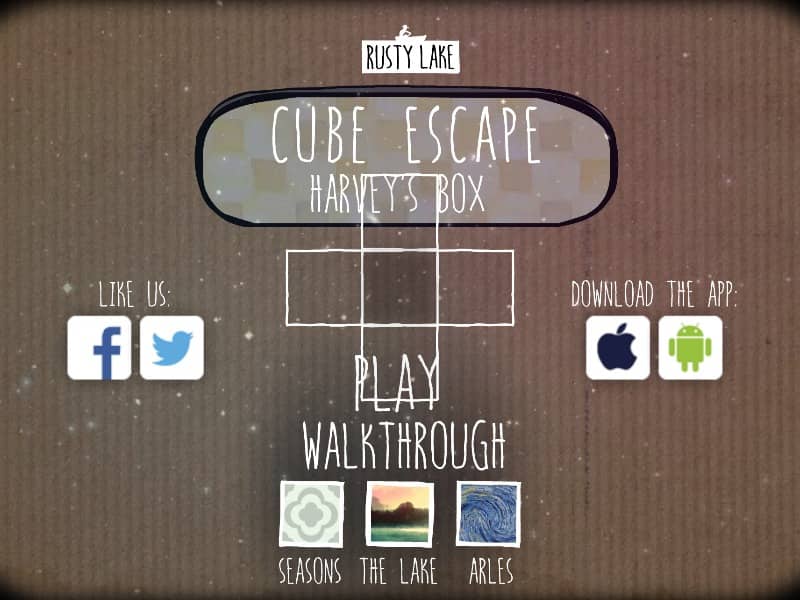
Interact with the environment by clicking on objects to collect them or use them. You can navigate between the four sides of the box by clicking the arrows at the edges of the screen. Your inventory is located on the right side; click an item once to select it and then click on an object in the box to use them together. The primary goal is to solve the puzzles within the box to find a way out, which involves manipulating items like a music box, dominoes, and a safety pin. Focus on finding clues hidden in plain sight, such as patterns on the wall or the arrangement of items. Early on, gather every available object and try to understand their function. As you progress, the puzzles become more abstract, requiring you to listen to musical cues or solve visual riddles. Pay attention to the atmosphere and the changing state of the box, as small details often lead to the final escape sequence.
游戏信息
在线玩 Cube Escape: Harveys Box - FLASH 游戏常见问题
可以免费在线玩 Cube Escape: Harveys Box 吗?
可以。你可以在 GGEMU 上直接通过浏览器免费在线玩 Cube Escape: Harveys Box,无需下载。
可以在手机上玩 Cube Escape: Harveys Box 吗?
可以。你可以通过 GGEMU 在手机等移动设备或电脑浏览器上玩 Cube Escape: Harveys Box。
玩 Cube Escape: Harveys Box 可以保存进度吗?
Cube Escape: Harveys Box 目前不支持 GGEMU 即时存档。如果游戏自带存档功能,可以使用游戏内存档。
玩 Cube Escape: Harveys Box 需要安装模拟器或准备专用硬件吗?
不需要。Cube Escape: Harveys Box 可直接在 GGEMU 的浏览器页面中运行,无需额外的硬件或软件。
可以全屏玩 Cube Escape: Harveys Box 吗?
可以。Cube Escape: Harveys Box 在 GGEMU 上支持全屏模式,游玩时更具沉浸感。
可以用游戏手柄玩 Cube Escape: Harveys Box 吗?
可以。连接兼容的游戏手柄后,即可在 GGEMU 上用手柄玩 Cube Escape: Harveys Box。