玩法介绍
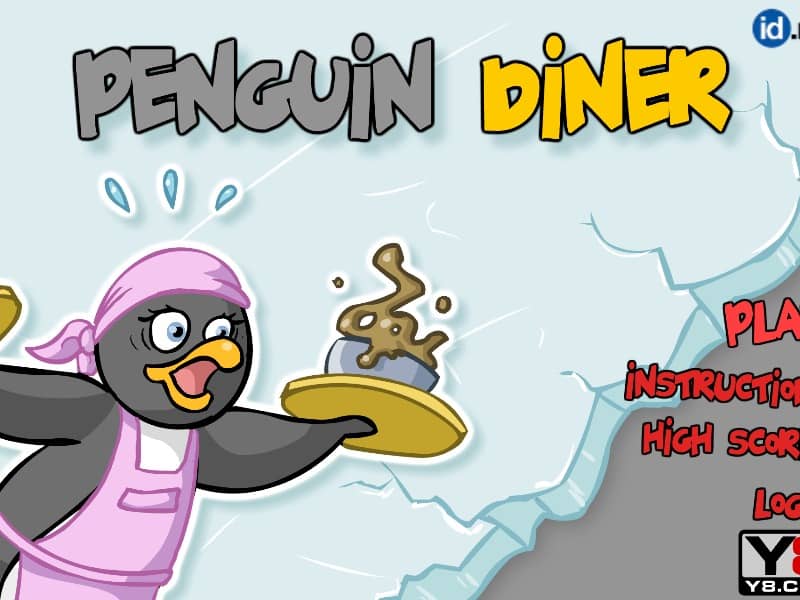
In Penguin Diner, your goal is to help Penny the Penguin earn enough tips to upgrade her restaurant and return home. The gameplay relies entirely on point-and-click mouse controls. When customers arrive at the entrance, click on them and then click on an empty table to seat them. Once they decide on their order, click on the table to take it, then click on the kitchen counter to retrieve the food when it is ready. Deliver the food to the correct table promptly to keep customer satisfaction high. After they finish eating, click on the table to collect their payment and clear the dishes. As the days progress, manage the increasing flow of customers by prioritizing impatient guests and purchasing upgrades like faster skates, better chefs, or comfier seats to boost your tips.
游戏信息
在线玩 Penguin Diner - FLASH 游戏常见问题
可以免费在线玩 Penguin Diner 吗?
可以。你可以在 GGEMU 上直接通过浏览器免费在线玩 Penguin Diner,无需下载。
可以在手机上玩 Penguin Diner 吗?
可以。你可以通过 GGEMU 在手机等移动设备或电脑浏览器上玩 Penguin Diner。
玩 Penguin Diner 可以保存进度吗?
Penguin Diner 目前不支持 GGEMU 即时存档。如果游戏自带存档功能,可以使用游戏内存档。
玩 Penguin Diner 需要安装模拟器或准备专用硬件吗?
不需要。Penguin Diner 可直接在 GGEMU 的浏览器页面中运行,无需额外的硬件或软件。
可以全屏玩 Penguin Diner 吗?
可以。Penguin Diner 在 GGEMU 上支持全屏模式,游玩时更具沉浸感。
可以用游戏手柄玩 Penguin Diner 吗?
可以。连接兼容的游戏手柄后,即可在 GGEMU 上用手柄玩 Penguin Diner。