玩法介紹
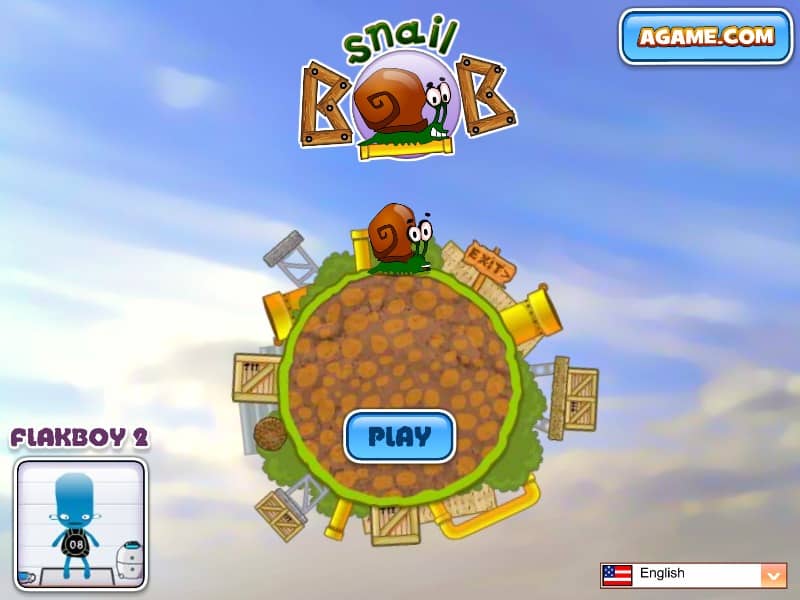
In Snail Bob, your main goal is to guide the slow-moving protagonist safely to the exit sign in each level. Bob crawls forward automatically, so you must interact with the environment to clear obstacles, activate bridges, and disarm traps. Click on Bob himself to make him stop and retreat into his shell, which is crucial for timing his movement past hazards or waiting for moving platforms. Click him again to make him resume his journey. Use your mouse to click on levers, buttons, valves, and other interactive machinery scattered throughout the stage. You can also toggle the speed buttons in the corner of the screen to make Bob move faster when the path is clear. Pay close attention to the timing of traps and the physics of falling objects to ensure Bob reaches the exit unharmed.
Information
Play Snail Bob Online - FLASH - FAQ
Can I play Snail Bob online for free?
Yes. Snail Bob is 100% free to play in your browser on GGEMU.
Does Snail Bob work on mobile?
Yes. Snail Bob works on both mobile devices and desktop browsers on GGEMU.
Can I save progress?
Snail Bob does not currently offer GGEMU save states. If the game has its own built-in save system, use that instead.
Do I need special hardware or software?
No. Snail Bob runs directly in your browser on GGEMU, so you do not need extra hardware or a separate FLASH setup.
Can I play Snail Bob in Fullscreen mode?
Yes. Snail Bob supports fullscreen mode on GGEMU for a more immersive play experience.
Does Snail Bob support Gamepad?
Yes. Snail Bob supports gamepad controls on GGEMU when a compatible controller is connected.