So spielt man
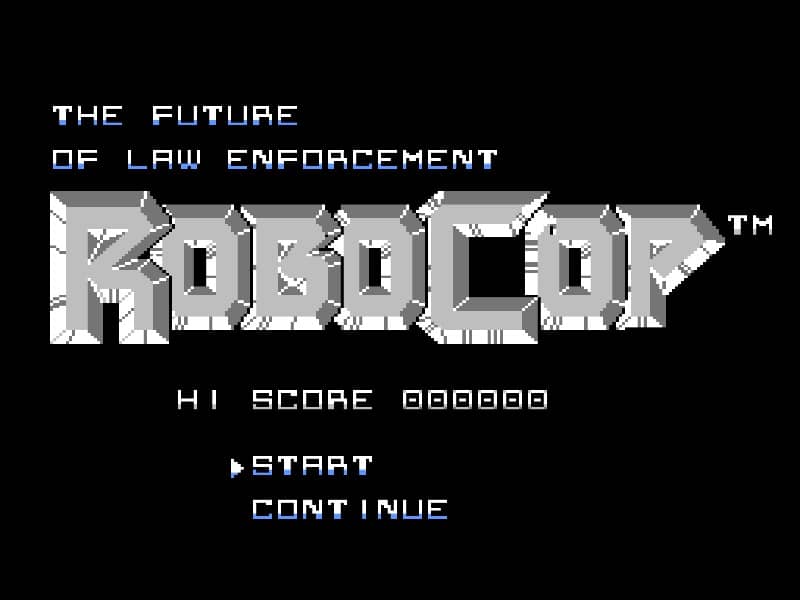
You control RoboCop from a side-scrolling perspective, moving left and right to advance through urban and industrial stages. Your primary weapon is your Auto-9 pistol, which has limited ammunition that can be replenished by collecting ammo icons from defeated enemies or breakable objects. You must jump over pits and obstacles while engaging various thugs, ED-209 robots, and bosses. Your health is displayed as a life bar, and you can restore it by finding health pickups. The game features platforming challenges and requires precise shooting to eliminate enemies before they overwhelm you. In the early stages, focus on conserving ammo by aiming carefully and memorizing enemy patterns. As you progress, the levels become more complex with moving platforms and environmental hazards. During tense moments, such as boss fights, keep your distance and fire rapidly while avoiding their attack patterns. The final objective is to defeat the main antagonist and restore order to the city.
Spielinformationen
RoboCop online spielen – Famicom FAQ
Kann ich RoboCop kostenlos online spielen?
Ja. Du kannst RoboCop auf GGEMU kostenlos online im Browser spielen, ganz ohne Download.
Kann ich RoboCop auf dem Handy spielen?
Ja. Du kannst RoboCop über GGEMU sowohl auf Mobilgeräten als auch in Desktop-Browsern spielen.
Kann ich meinen Spielstand in RoboCop speichern?
Ja. RoboCop unterstützt lokale Speicherstände auf GGEMU. Mitglieder von GGEMU Premium können Spielstände außerdem in der Cloud speichern.
Brauche ich einen Emulator oder spezielle Hardware, um RoboCop zu spielen?
Nein. GGEMU führt RoboCop in deinem Browser aus, sodass du weder originale Famicom-Hardware noch einen separaten Emulator benötigst.
Kann ich RoboCop im Vollbildmodus spielen?
Ja. RoboCop unterstützt auf GGEMU den Vollbildmodus für ein intensiveres Spielerlebnis.
Kann ich RoboCop mit einem Gamepad oder Controller spielen?
Ja. Wenn ein kompatibler Controller angeschlossen ist, kannst du RoboCop auf GGEMU mit dem Gamepad steuern.