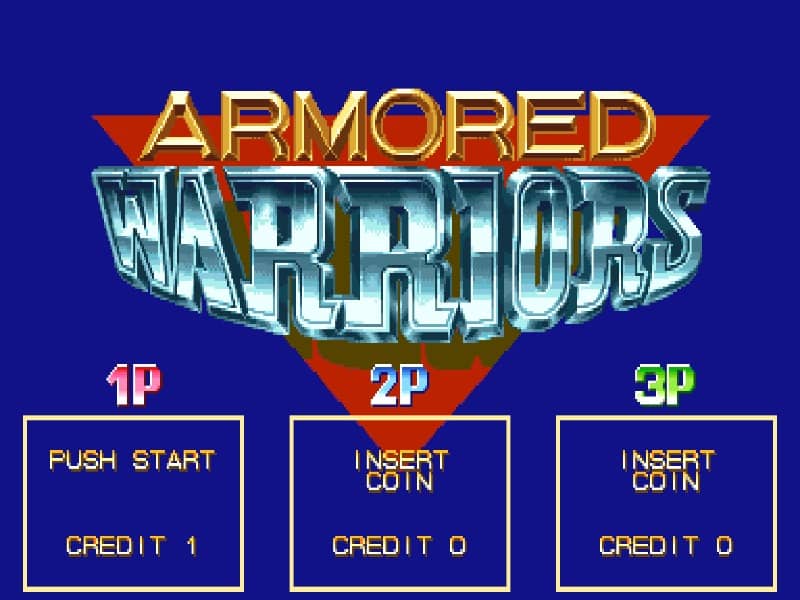
How to play
Pilot your giant Variant Armor using the joystick to move and buttons to attack, jump, and fire sub-weapons. The core gameplay revolves around defeating enemy mechs and collecting their fallen parts, such as drills, laser blades, or tread legs, which instantly upgrade your robot's capabilities. Use basic attack chains to defeat standard enemies, and utilize the shoot button for ranged crowd control. Press attack and jump simultaneously to execute a powerful mega crash attack that clears the screen at the cost of a small portion of your health. In the early stages, focus on experimenting with different weapon combinations to find your preferred playstyle. As the difficulty ramps up, prioritize destroying high-threat ranged enemies first and swap parts dynamically to counter specific boss behaviors. Keep an eye on your boost gauge for quick dashes to dodge incoming projectiles, and coordinate with teammates in multiplayer to combine your mechs into a single, devastating super-robot during tense boss encounters.
Information
Play Armored Warriors Online - Arcade FAQ
Can I play Armored Warriors online for free?
Yes. You can play Armored Warriors online for free in your browser on GGEMU, with no download required.
Can I play Armored Warriors on mobile?
Yes. You can play Armored Warriors on mobile devices and desktop browsers through GGEMU.
Can I save my progress in Armored Warriors?
Yes. Armored Warriors supports local save states on GGEMU. Cloud saves are also available to GGEMU Premium members.
Do I need an emulator or special hardware to play Armored Warriors?
No. GGEMU runs Armored Warriors in your browser, so you do not need original Arcade hardware or a separate emulator.
Can I play Armored Warriors in fullscreen mode?
Yes. Armored Warriors supports fullscreen mode on GGEMU for a more immersive experience.
Can I play Armored Warriors with a gamepad or controller?
Yes. Armored Warriors supports gamepad controls on GGEMU when a compatible controller is connected.