How to play
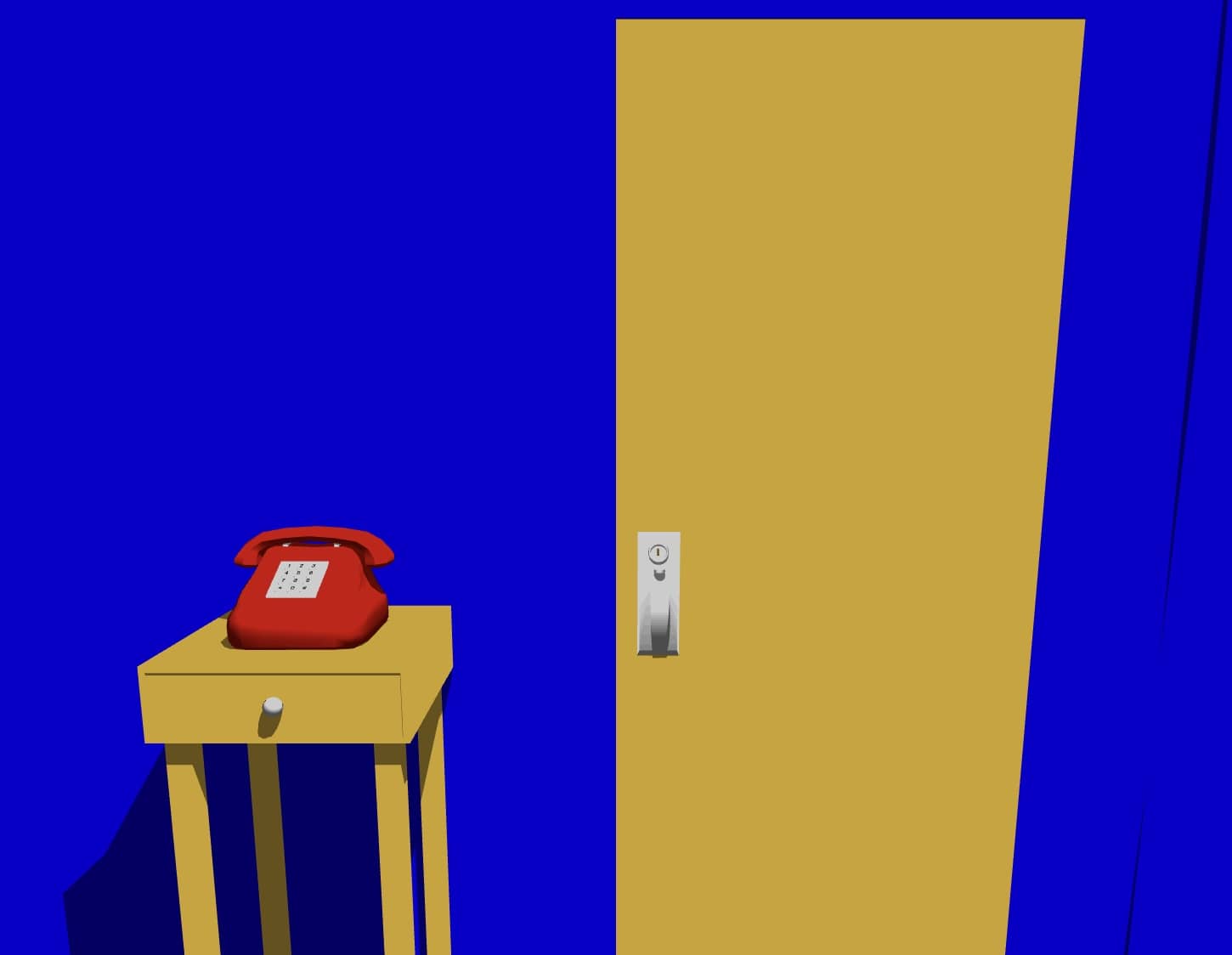
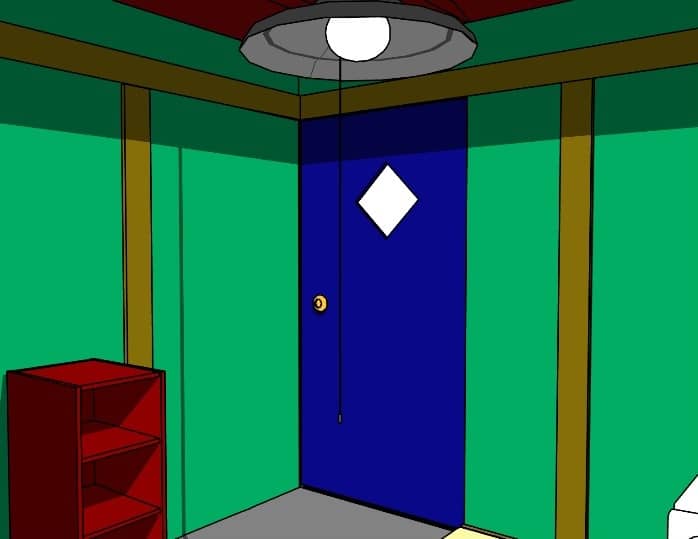
Your objective is to escape the crimson room by meticulously examining your surroundings. The gameplay is entirely point-and-click. Move your cursor around the screen to search for interactive hotspots. When you find a usable item, click to pick it up and it will be added to your inventory. Combine items in your inventory by dragging one onto another to create new tools or reveal hidden clues. Pay close attention to small details, as even a seemingly insignificant object or mark on the wall could be the key to solving a puzzle. The challenge is non-linear; you may need to solve several smaller puzzles to progress. In the early stages, focus on collecting every item you can find. Later, experiment with combining items and using them on environmental features. The game requires careful observation and logical deduction to uncover the sequence of actions needed for your escape.
Information
Play CRIMSON ROOM Online - FLASH FAQ
Can I play CRIMSON ROOM online for free?
Yes. You can play CRIMSON ROOM online for free in your browser on GGEMU, with no download required.
Can I play CRIMSON ROOM on mobile?
Yes. You can play CRIMSON ROOM on mobile devices and desktop browsers through GGEMU.
Can I save my progress in CRIMSON ROOM?
CRIMSON ROOM does not currently support GGEMU save states. If the game includes its own save feature, you can use that instead.
Do I need an emulator or special hardware to play CRIMSON ROOM?
No. CRIMSON ROOM runs directly in your browser on GGEMU, with no extra hardware or software required.
Can I play CRIMSON ROOM in fullscreen mode?
Yes. CRIMSON ROOM supports fullscreen mode on GGEMU for a more immersive experience.
Can I play CRIMSON ROOM with a gamepad or controller?
Yes. CRIMSON ROOM supports gamepad controls on GGEMU when a compatible controller is connected.