How to play
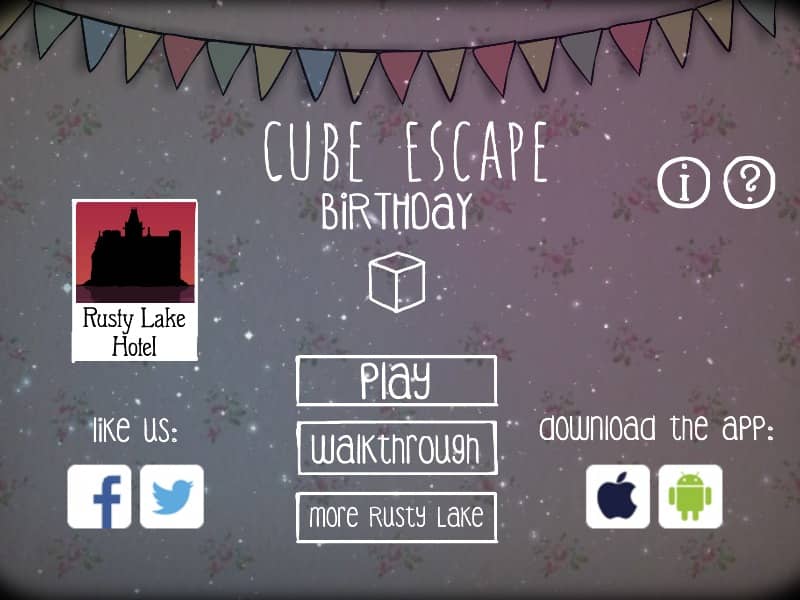
Players interact with the environment by clicking on objects to collect items, examine details, and solve intricate logic puzzles within a single room. The objective is to navigate through a series of surreal events during a family birthday party. Use the arrows on the edges of the screen to rotate around the room and view different walls. Items collected in the inventory can be dragged and dropped onto specific parts of the scene to trigger reactions, unlock new areas, or interact with family members. Focus on observing the environment for clues, such as patterns on the wall, cryptic notes, or specific numbers mentioned in dialogue. As the story progresses, the atmosphere shifts from a normal celebration to a tense survival scenario. Pay close attention to the timing of events and the placement of objects, as the puzzle solutions often involve manipulating the environment to prevent a sudden threat. Success requires connecting seemingly unrelated items and logical deduction to progress through the unsettling narrative and reach the conclusion of the memory.
Information
Play Cube Escape: Birthday Online - FLASH FAQ
Can I play Cube Escape: Birthday online for free?
Yes. You can play Cube Escape: Birthday online for free in your browser on GGEMU, with no download required.
Can I play Cube Escape: Birthday on mobile?
Yes. You can play Cube Escape: Birthday on mobile devices and desktop browsers through GGEMU.
Can I save my progress in Cube Escape: Birthday?
Cube Escape: Birthday does not currently support GGEMU save states. If the game includes its own save feature, you can use that instead.
Do I need an emulator or special hardware to play Cube Escape: Birthday?
No. Cube Escape: Birthday runs directly in your browser on GGEMU, with no extra hardware or software required.
Can I play Cube Escape: Birthday in fullscreen mode?
Yes. Cube Escape: Birthday supports fullscreen mode on GGEMU for a more immersive experience.
Can I play Cube Escape: Birthday with a gamepad or controller?
Yes. Cube Escape: Birthday supports gamepad controls on GGEMU when a compatible controller is connected.