How to play
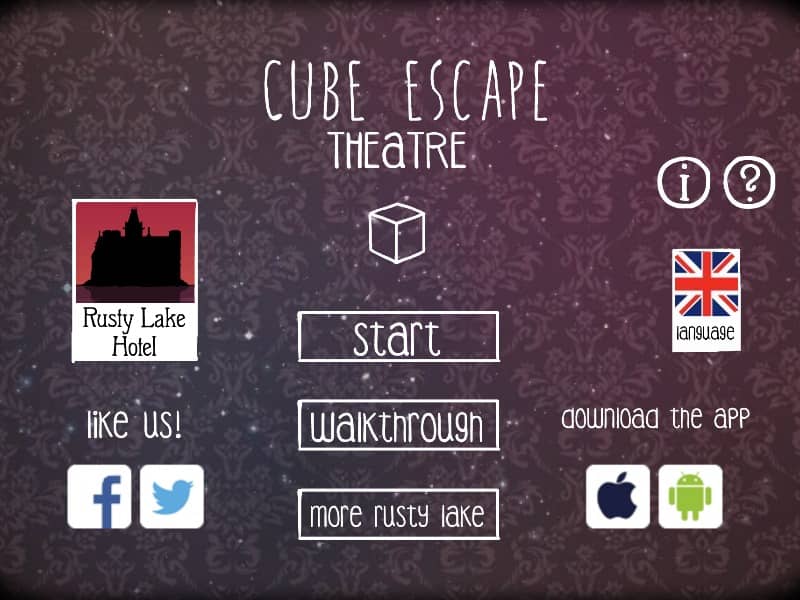
Interact with the environment by clicking on objects to collect them or use them. You can navigate between the four sides of the box by clicking the arrows at the edges of the screen. Your inventory is located on the right side; click an item once to select it and then click on an object in the box to use them together. The primary goal is to solve the puzzles within the box to find a way out, which involves manipulating items like a music box, dominoes, and a safety pin. Focus on finding clues hidden in plain sight, such as patterns on the wall or the arrangement of items. Early on, gather every available object and try to understand their function. As you progress, the puzzles become more abstract, requiring you to listen to musical cues or solve visual riddles. Pay attention to the atmosphere and the changing state of the box, as small details often lead to the final escape sequence.
Information
Play Cube Escape: Harveys Box Online - FLASH FAQ
Can I play Cube Escape: Harveys Box online for free?
Yes. You can play Cube Escape: Harveys Box online for free in your browser on GGEMU, with no download required.
Can I play Cube Escape: Harveys Box on mobile?
Yes. You can play Cube Escape: Harveys Box on mobile devices and desktop browsers through GGEMU.
Can I save my progress in Cube Escape: Harveys Box?
Cube Escape: Harveys Box does not currently support GGEMU save states. If the game includes its own save feature, you can use that instead.
Do I need an emulator or special hardware to play Cube Escape: Harveys Box?
No. Cube Escape: Harveys Box runs directly in your browser on GGEMU, with no extra hardware or software required.
Can I play Cube Escape: Harveys Box in fullscreen mode?
Yes. Cube Escape: Harveys Box supports fullscreen mode on GGEMU for a more immersive experience.
Can I play Cube Escape: Harveys Box with a gamepad or controller?
Yes. Cube Escape: Harveys Box supports gamepad controls on GGEMU when a compatible controller is connected.