How to play
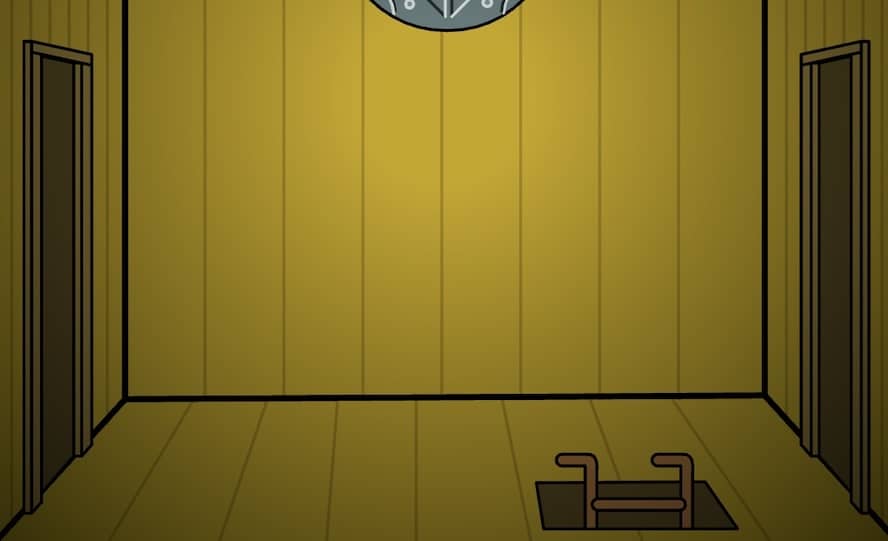
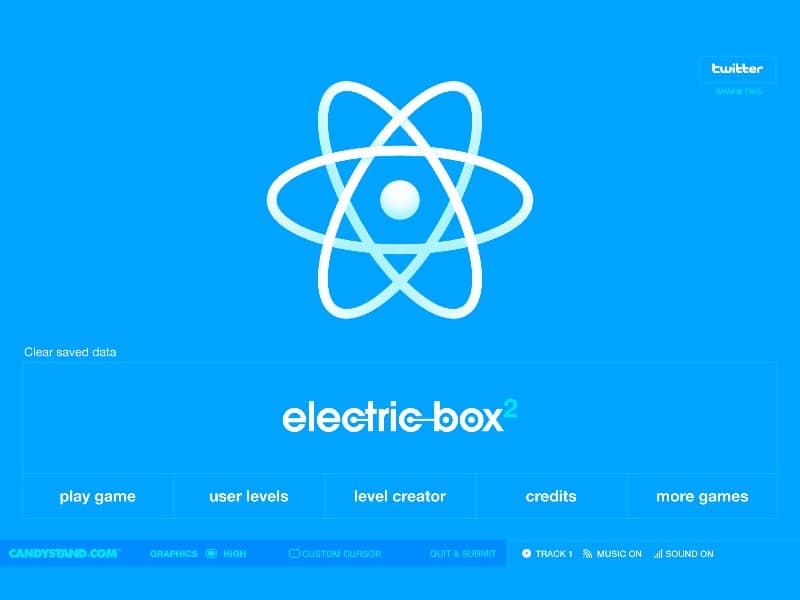
Your goal in Electric Box 2 is to power up the light bulb by creating a functional electrical circuit. You'll be presented with a toolbox containing items like wires, batteries, solar panels, magnets, and gears. Drag and drop these components onto the play area to connect the power source to the target. The core challenge is arranging the items logically so that electricity flows uninterrupted. Pay attention to the properties of each item; for example, solar panels need light, and water wheels need flowing water to generate power. As you progress, the puzzles become more complex, requiring you to use gears to redirect laser beams or magnets to move objects. Focus on understanding the input and output of each component. A good beginner strategy is to start by placing the power source and the light bulb, then work backwards to connect them, experimenting with the available tools to overcome obstacles like gaps or non-conductive materials.
Information
Play Electric Box 2 Online - FLASH FAQ
Can I play Electric Box 2 online for free?
Yes. You can play Electric Box 2 online for free in your browser on GGEMU, with no download required.
Can I play Electric Box 2 on mobile?
Yes. You can play Electric Box 2 on mobile devices and desktop browsers through GGEMU.
Can I save my progress in Electric Box 2?
Electric Box 2 does not currently support GGEMU save states. If the game includes its own save feature, you can use that instead.
Do I need an emulator or special hardware to play Electric Box 2?
No. Electric Box 2 runs directly in your browser on GGEMU, with no extra hardware or software required.
Can I play Electric Box 2 in fullscreen mode?
Yes. Electric Box 2 supports fullscreen mode on GGEMU for a more immersive experience.
Can I play Electric Box 2 with a gamepad or controller?
Yes. Electric Box 2 supports gamepad controls on GGEMU when a compatible controller is connected.