How to play
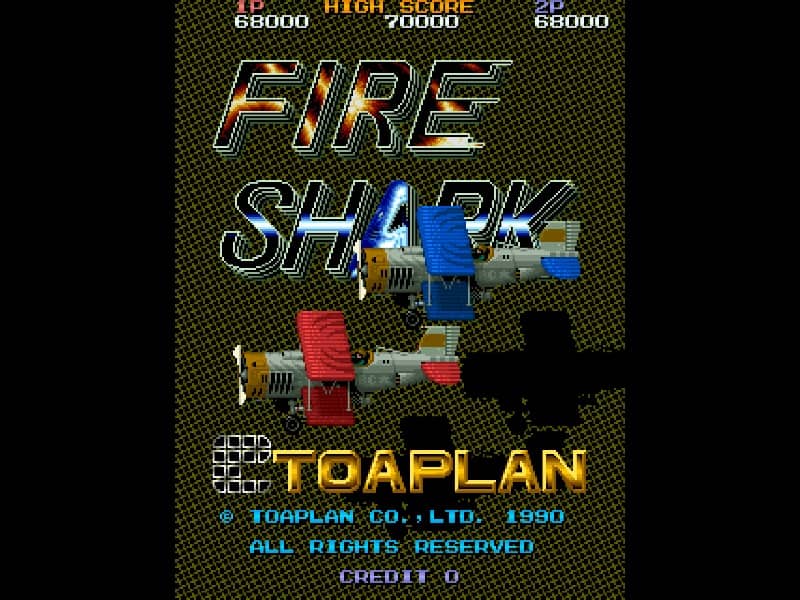
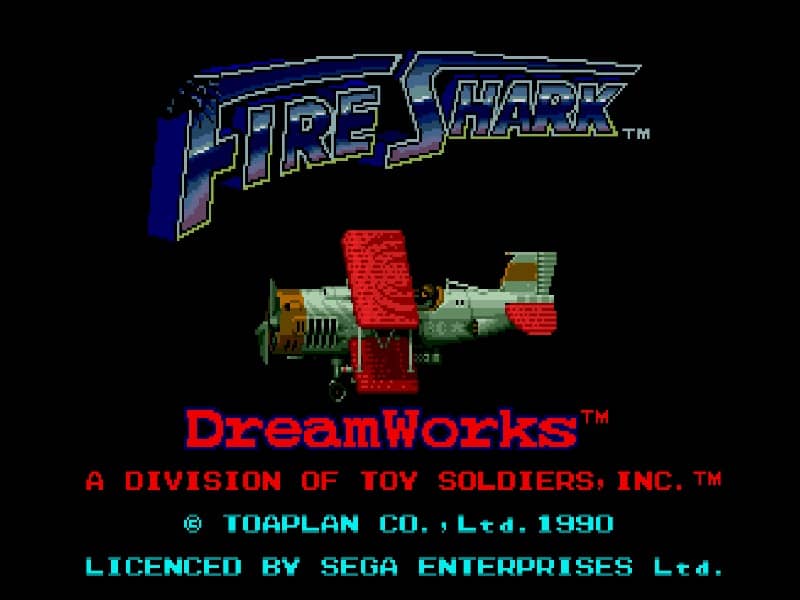
Pilot your biplane through intense vertically scrolling stages, destroying waves of enemy tanks, fighter planes, and massive battleships. Use the directional pad to maneuver around incoming enemy fire while constantly firing your primary weapon. Collect colored power-up icons to upgrade and change your weaponry: green items grant a wide-spreading shot, blue items fire a continuous stream of destructive flames, and yellow items shoot powerful lasers. When overwhelmed by enemy bullets, deploy a devastating bomb to clear the screen and deal massive damage to all active targets. Manage your weapon upgrades carefully, as losing a life resets your firepower. Focus on learning enemy spawn patterns and saving your limited bombs for the challenging boss encounters at the end of each stage.
Information
Play Fire Shark Online - Genesis FAQ
Can I play Fire Shark online for free?
Yes. You can play Fire Shark online for free in your browser on GGEMU, with no download required.
Can I play Fire Shark on mobile?
Yes. You can play Fire Shark on mobile devices and desktop browsers through GGEMU.
Can I save my progress in Fire Shark?
Yes. Fire Shark supports local save states on GGEMU. Cloud saves are also available to GGEMU Premium members.
Do I need an emulator or special hardware to play Fire Shark?
No. GGEMU runs Fire Shark in your browser, so you do not need original Genesis hardware or a separate emulator.
Can I play Fire Shark in fullscreen mode?
Yes. Fire Shark supports fullscreen mode on GGEMU for a more immersive experience.
Can I play Fire Shark with a gamepad or controller?
Yes. Fire Shark supports gamepad controls on GGEMU when a compatible controller is connected.