How to play
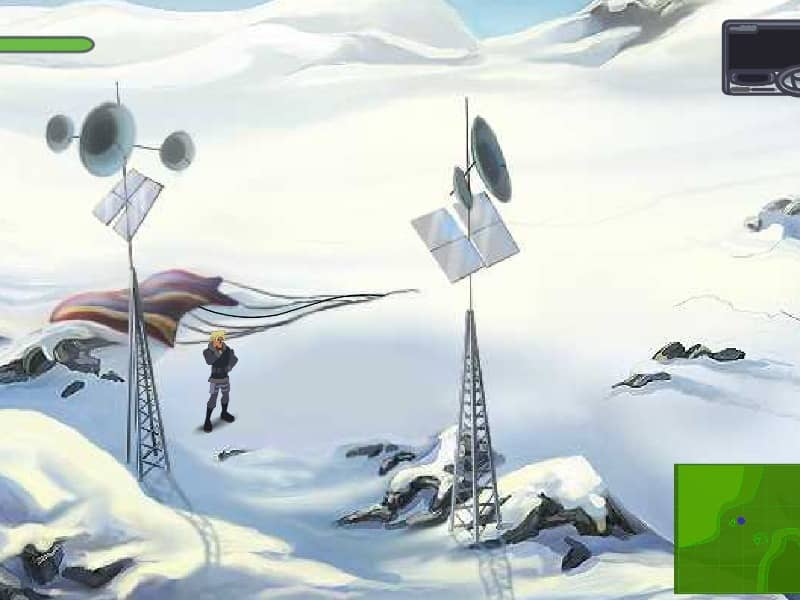
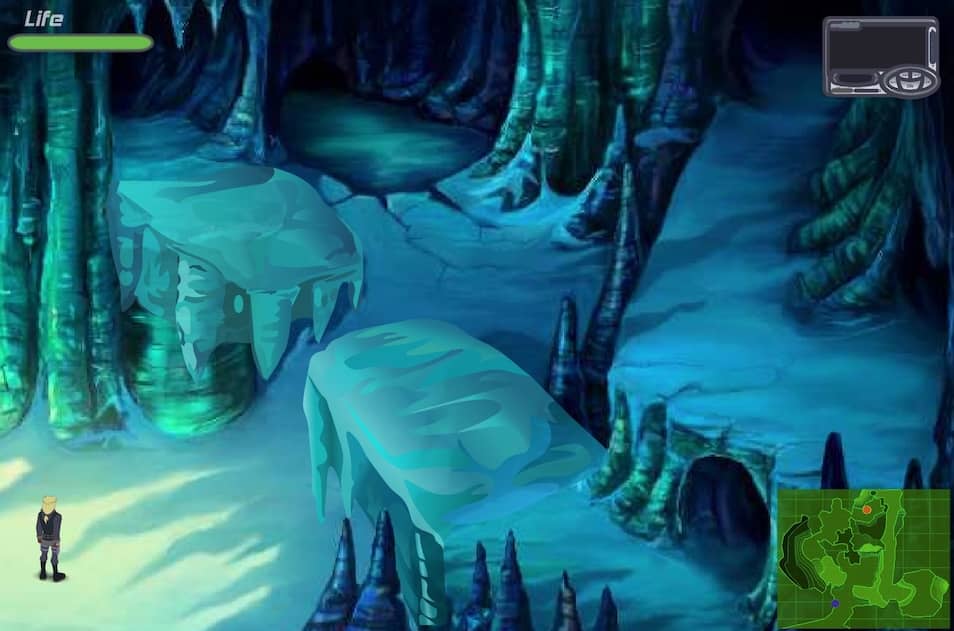
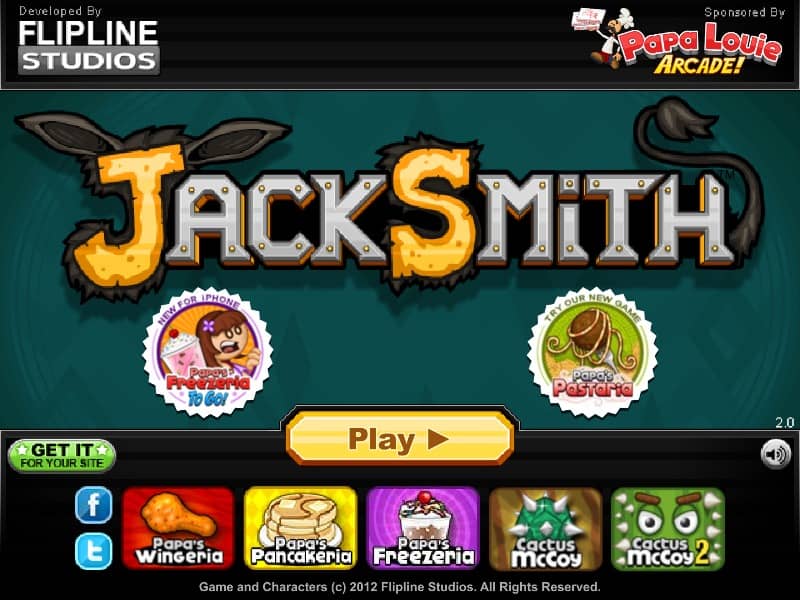
In Jack Smith, your objective is to help the protagonist complete various tasks by accurately throwing objects using mouse controls. The core gameplay involves clicking and dragging to set the throwing angle and power, then releasing to launch items toward targets. Each level presents different challenges requiring precise aim and timing, such as knocking down structures, hitting switches, or delivering items to specific locations. As you progress, you'll encounter obstacles, moving targets, and environmental puzzles that require strategic thinking. Focus on mastering the physics of throwing early on, paying attention to trajectory arcs and object weight. In tense moments, carefully plan your throws to conserve limited objects and achieve the goal with minimal attempts. The game rewards efficiency and accuracy over brute force, with bonus points awarded for stylish solutions and quick completion.
Information
Play Jack Smith Online - FLASH FAQ
Can I play Jack Smith online for free?
Yes. You can play Jack Smith online for free in your browser on GGEMU, with no download required.
Can I play Jack Smith on mobile?
Yes. You can play Jack Smith on mobile devices and desktop browsers through GGEMU.
Can I save my progress in Jack Smith?
Jack Smith does not currently support GGEMU save states. If the game includes its own save feature, you can use that instead.
Do I need an emulator or special hardware to play Jack Smith?
No. Jack Smith runs directly in your browser on GGEMU, with no extra hardware or software required.
Can I play Jack Smith in fullscreen mode?
Yes. Jack Smith supports fullscreen mode on GGEMU for a more immersive experience.
Can I play Jack Smith with a gamepad or controller?
Yes. Jack Smith supports gamepad controls on GGEMU when a compatible controller is connected.