How to play
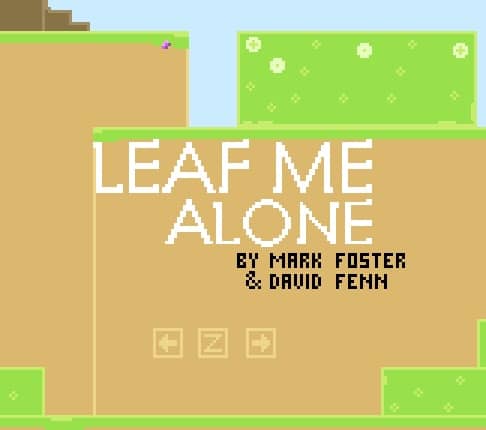
In Leaf Me Alone, you control a small leaf character through a series of platforming challenges. Your primary objective is to navigate each level from start to finish while avoiding environmental hazards and defeating enemies. Use the arrow keys to move left and right, with the up arrow or spacebar to jump. You can attack enemies by pressing the Z key for a basic attack or use special abilities as you unlock them. The game features light puzzle elements where you'll need to interact with switches, avoid traps, and sometimes backtrack to progress. Early on, focus on mastering the jump timing and attack patterns of basic enemies. As you advance, you'll encounter more complex platforming sections that require precise movement. During tense moments, carefully observe enemy patterns and environmental hazards before making your move. The game rewards exploration with hidden collectibles that can unlock additional abilities or provide health upgrades.
Information
Play Leaf Me Alone Online - FLASH FAQ
Can I play Leaf Me Alone online for free?
Yes. You can play Leaf Me Alone online for free in your browser on GGEMU, with no download required.
Can I play Leaf Me Alone on mobile?
Leaf Me Alone is currently optimized for desktop browsers and is not available on mobile devices.
Can I save my progress in Leaf Me Alone?
Leaf Me Alone does not currently support GGEMU save states. If the game includes its own save feature, you can use that instead.
Do I need an emulator or special hardware to play Leaf Me Alone?
No. Leaf Me Alone runs directly in your browser on GGEMU, with no extra hardware or software required.
Can I play Leaf Me Alone in fullscreen mode?
Yes. Leaf Me Alone supports fullscreen mode on GGEMU for a more immersive experience.
Can I play Leaf Me Alone with a gamepad or controller?
Yes. Leaf Me Alone supports gamepad controls on GGEMU when a compatible controller is connected.