How to play
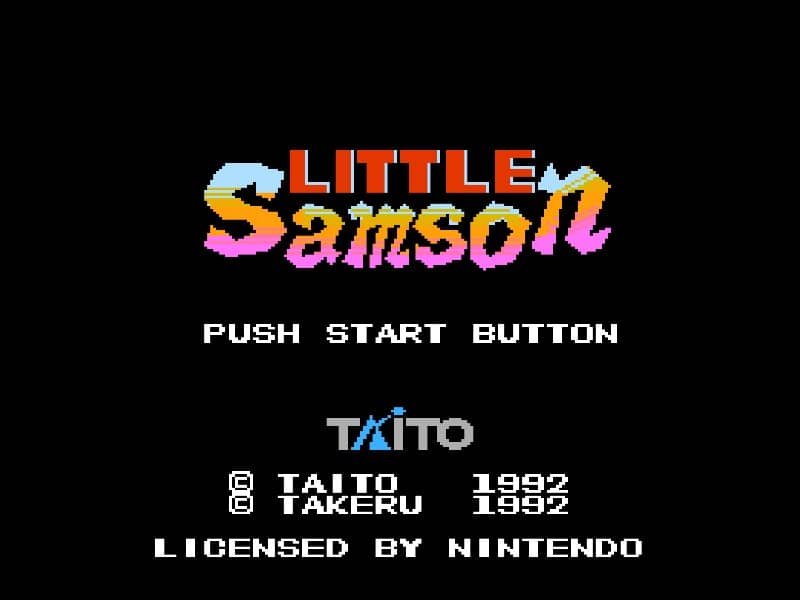
In Little Samson, your goal is to guide a group of heroes through side-scrolling stages filled with enemies, obstacles, and bosses. You can switch between four characters at any time: Samson the human prince, Kikira the dragon, Gamm the golem, and K.O. the mouse. Each hero has unique movement and attack abilities—Samson throws daggers and can climb walls, Kikira flies and breathes fire, Gamm punches and can break certain blocks, while K.O. sticks to walls and ceilings. Use character switching to overcome specific challenges, like having Kikira fly over gaps or Gamm smash barriers. Collect power-ups to enhance your health and attack range. The game requires careful resource management, as each character has a separate life bar. In tense moments, prioritize avoiding damage and swapping to the right hero for the situation. Boss battles demand pattern recognition and exploiting weaknesses with the most suitable character.
Information
Play Little Samson Online - Famicom FAQ
Can I play Little Samson online for free?
Yes. You can play Little Samson online for free in your browser on GGEMU, with no download required.
Can I play Little Samson on mobile?
Yes. You can play Little Samson on mobile devices and desktop browsers through GGEMU.
Can I save my progress in Little Samson?
Yes. Little Samson supports local save states on GGEMU. Cloud saves are also available to GGEMU Premium members.
Do I need an emulator or special hardware to play Little Samson?
No. GGEMU runs Little Samson in your browser, so you do not need original Famicom hardware or a separate emulator.
Can I play Little Samson in fullscreen mode?
Yes. Little Samson supports fullscreen mode on GGEMU for a more immersive experience.
Can I play Little Samson with a gamepad or controller?
Yes. Little Samson supports gamepad controls on GGEMU when a compatible controller is connected.