How to play
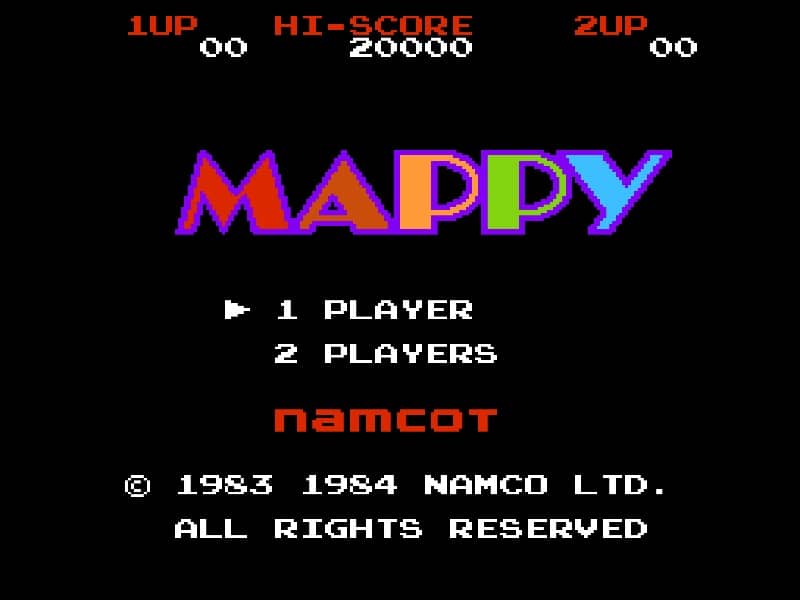
You control Mappy, a mouse police officer, whose goal is to retrieve stolen items from each room of a mansion while avoiding the enemy cats known as the Meowkies. Move Mappy left and right across the floors, using trampolines to jump between levels. Doors on either side of the screen allow you to escape to the adjacent room. The main strategy involves timing your movements to avoid the patrolling cats, using doors to evade them when they get too close. In tense moments, you can temporarily stun cats by opening and closing doors on them or by dropping items like radios from above. Focus on clearing items systematically while keeping an eye on cat patrol patterns. The game gets progressively faster, requiring quick reflexes and smart use of trampolines and doors to survive.
Information
Play MAPPY Online - Famicom FAQ
Can I play MAPPY online for free?
Yes. You can play MAPPY online for free in your browser on GGEMU, with no download required.
Can I play MAPPY on mobile?
Yes. You can play MAPPY on mobile devices and desktop browsers through GGEMU.
Can I save my progress in MAPPY?
Yes. MAPPY supports local save states on GGEMU. Cloud saves are also available to GGEMU Premium members.
Do I need an emulator or special hardware to play MAPPY?
No. GGEMU runs MAPPY in your browser, so you do not need original Famicom hardware or a separate emulator.
Can I play MAPPY in fullscreen mode?
Yes. MAPPY supports fullscreen mode on GGEMU for a more immersive experience.
Can I play MAPPY with a gamepad or controller?
Yes. MAPPY supports gamepad controls on GGEMU when a compatible controller is connected.