How to play
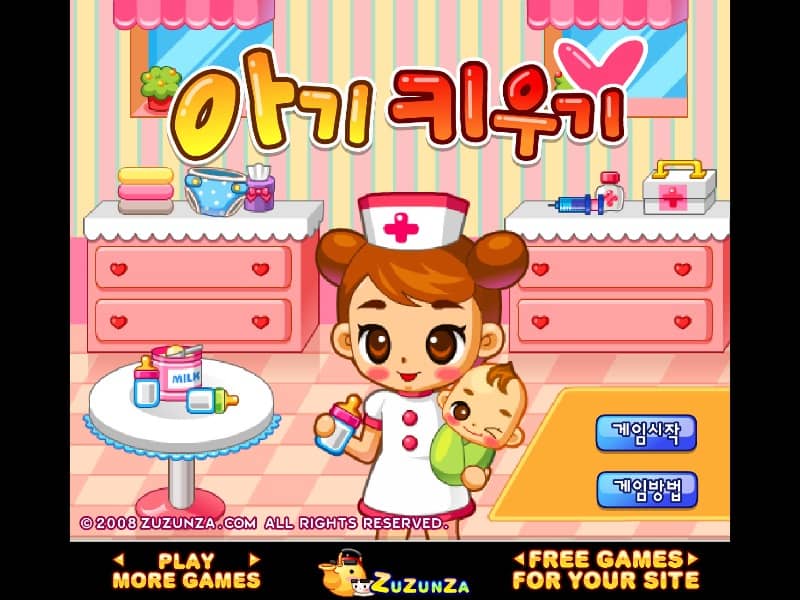
In Maternal Hospital, your primary goal is to manage the daily operations of a maternity ward by attending to the needs of expectant mothers and their newborns. Using mouse-based point-and-click controls, you must guide incoming patients from the reception area to available beds or examination tables. Monitor each patient's specific needs, which are indicated by thought bubbles or icons above their heads, and provide the necessary medical care, water, or comfort items quickly to maintain high satisfaction levels. As the ward becomes busier, focus on prioritizing patients with the lowest patience meters to prevent them from leaving. Once a baby is born, the gameplay shifts to specialized infant care, including feeding, cleaning, and putting the babies to sleep. Success depends on your ability to multitask effectively, moving between the reception desk and various treatment stations while managing limited resources to reach the daily score target before the shift ends.
Information
Play Maternal Hospital Online - FLASH FAQ
Can I play Maternal Hospital online for free?
Yes. You can play Maternal Hospital online for free in your browser on GGEMU, with no download required.
Can I play Maternal Hospital on mobile?
Yes. You can play Maternal Hospital on mobile devices and desktop browsers through GGEMU.
Can I save my progress in Maternal Hospital?
Maternal Hospital does not currently support GGEMU save states. If the game includes its own save feature, you can use that instead.
Do I need an emulator or special hardware to play Maternal Hospital?
No. Maternal Hospital runs directly in your browser on GGEMU, with no extra hardware or software required.
Can I play Maternal Hospital in fullscreen mode?
Yes. Maternal Hospital supports fullscreen mode on GGEMU for a more immersive experience.
Can I play Maternal Hospital with a gamepad or controller?
Yes. Maternal Hospital supports gamepad controls on GGEMU when a compatible controller is connected.