How to play
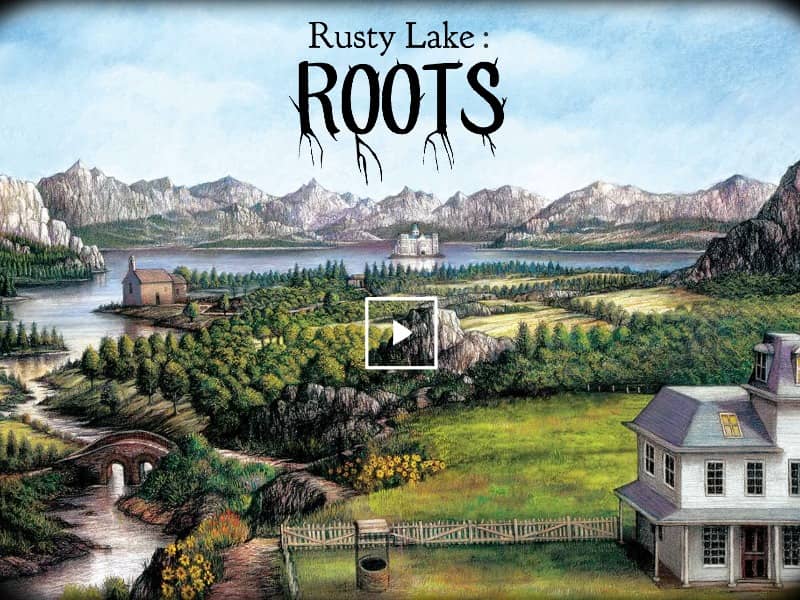
Begin by selecting a portrait on the Vanderboom family tree to enter a specific character's life chapter. Use your mouse to click on characters, objects, and the surrounding environment to interact, search for clues, and collect inventory items. You can drag and drop items from your inventory sidebar onto interactive elements in the scene to trigger events and solve puzzles. Progress through the generations by paying close attention to environmental hints, numbers, and symbols. If you find yourself stuck, systematically examine every item in your inventory and look for subtle changes in the environment or character expressions. Success requires logical thinking and a willingness to engage with the game's bizarre, macabre logic.
Information
Play Rusty Lake : ROOTS Online - FLASH FAQ
Can I play Rusty Lake : ROOTS online for free?
Yes. You can play Rusty Lake : ROOTS online for free in your browser on GGEMU, with no download required.
Can I play Rusty Lake : ROOTS on mobile?
Yes. You can play Rusty Lake : ROOTS on mobile devices and desktop browsers through GGEMU.
Can I save my progress in Rusty Lake : ROOTS?
Rusty Lake : ROOTS does not currently support GGEMU save states. If the game includes its own save feature, you can use that instead.
Do I need an emulator or special hardware to play Rusty Lake : ROOTS?
No. Rusty Lake : ROOTS runs directly in your browser on GGEMU, with no extra hardware or software required.
Can I play Rusty Lake : ROOTS in fullscreen mode?
Yes. Rusty Lake : ROOTS supports fullscreen mode on GGEMU for a more immersive experience.
Can I play Rusty Lake : ROOTS with a gamepad or controller?
Yes. Rusty Lake : ROOTS supports gamepad controls on GGEMU when a compatible controller is connected.