How to play
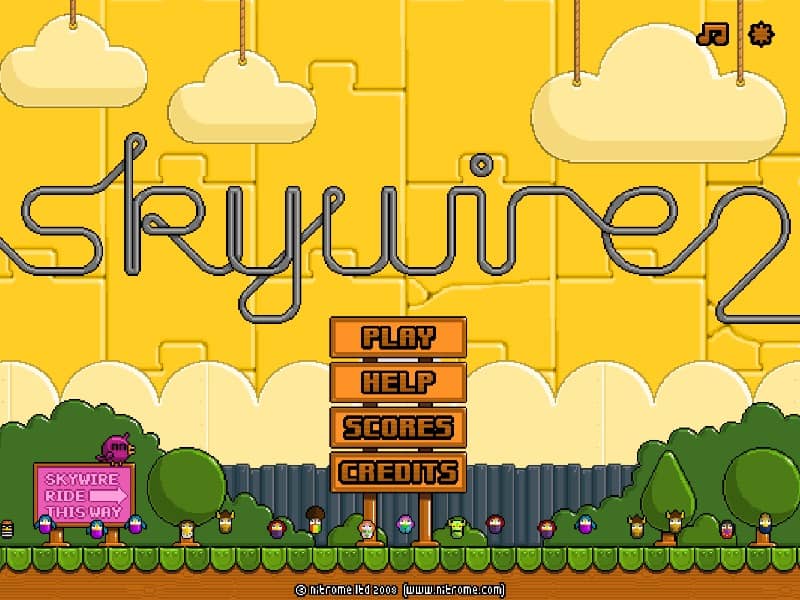
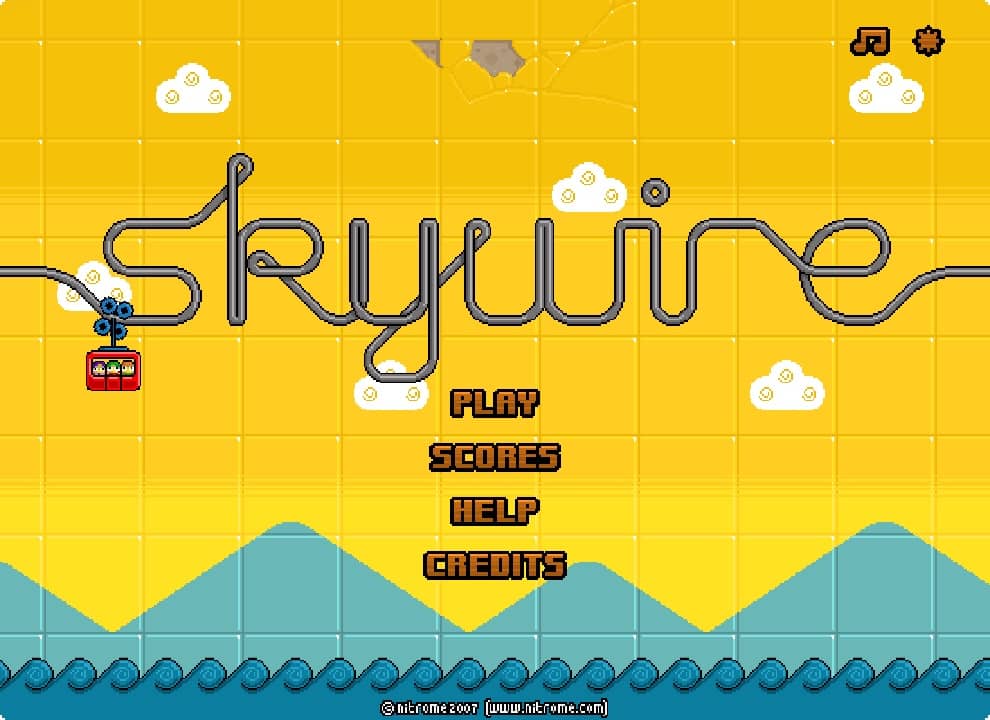
In Skywire, your objective is to safely guide a balloon through each level by controlling its movement along a suspended wire. Using your mouse, you'll click and drag to move the balloon left or right along the wire while avoiding obstacles like spikes, lasers, and moving hazards. The balloon has realistic physics, so you must control your speed carefully - moving too fast can cause the balloon to swing dangerously or slip off the wire entirely. Beginners should focus on gentle, controlled movements and pay attention to the balloon's momentum. As you progress through levels, you'll encounter more complex obstacles that require precise timing and careful navigation. The challenge rhythm involves studying each obstacle pattern before attempting to pass through, then executing your movements with precision. In tense moments when the balloon is swinging wildly, focus on small corrective movements rather than large adjustments to regain control.
Information
Play Skywire Online - FLASH FAQ
Can I play Skywire online for free?
Yes. You can play Skywire online for free in your browser on GGEMU, with no download required.
Can I play Skywire on mobile?
Yes. You can play Skywire on mobile devices and desktop browsers through GGEMU.
Can I save my progress in Skywire?
Skywire does not currently support GGEMU save states. If the game includes its own save feature, you can use that instead.
Do I need an emulator or special hardware to play Skywire?
No. Skywire runs directly in your browser on GGEMU, with no extra hardware or software required.
Can I play Skywire in fullscreen mode?
Yes. Skywire supports fullscreen mode on GGEMU for a more immersive experience.
Can I play Skywire with a gamepad or controller?
Yes. Skywire supports gamepad controls on GGEMU when a compatible controller is connected.