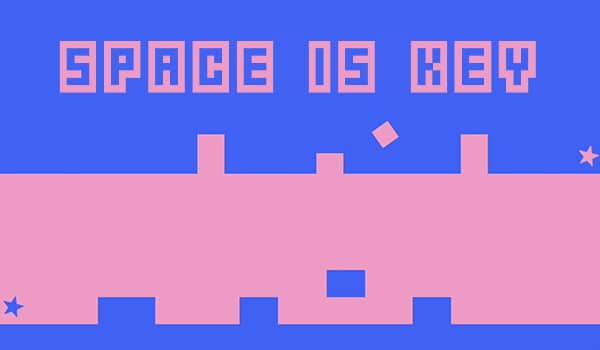
How to play
Your objective is to guide a small square from the left side of the screen to the right by pressing the spacebar to make it jump. The game is a test of timing and reflexes, as obstacles like walls, spikes, and moving barriers will instantly end your run if you collide with them. Each level introduces new patterns and faster speeds, requiring precise input to succeed. As a beginner, focus on learning the rhythm of each obstacle sequence; the key is to press the spacebar just before your square reaches the hazard. The challenge escalates quickly, so stay calm and try to anticipate the next jump rather than reacting at the last second. In tense moments, concentrate on the gap you need to pass through and time your press to match the square's movement. The core gameplay loop is simple but demanding, with success depending entirely on your ability to master the timing for each unique level layout.
Information
Play Space is Key Online - FLASH FAQ
Can I play Space is Key online for free?
Yes. You can play Space is Key online for free in your browser on GGEMU, with no download required.
Can I play Space is Key on mobile?
Yes. You can play Space is Key on mobile devices and desktop browsers through GGEMU.
Can I save my progress in Space is Key?
Space is Key does not currently support GGEMU save states. If the game includes its own save feature, you can use that instead.
Do I need an emulator or special hardware to play Space is Key?
No. Space is Key runs directly in your browser on GGEMU, with no extra hardware or software required.
Can I play Space is Key in fullscreen mode?
Yes. Space is Key supports fullscreen mode on GGEMU for a more immersive experience.
Can I play Space is Key with a gamepad or controller?
Yes. Space is Key supports gamepad controls on GGEMU when a compatible controller is connected.