How to play
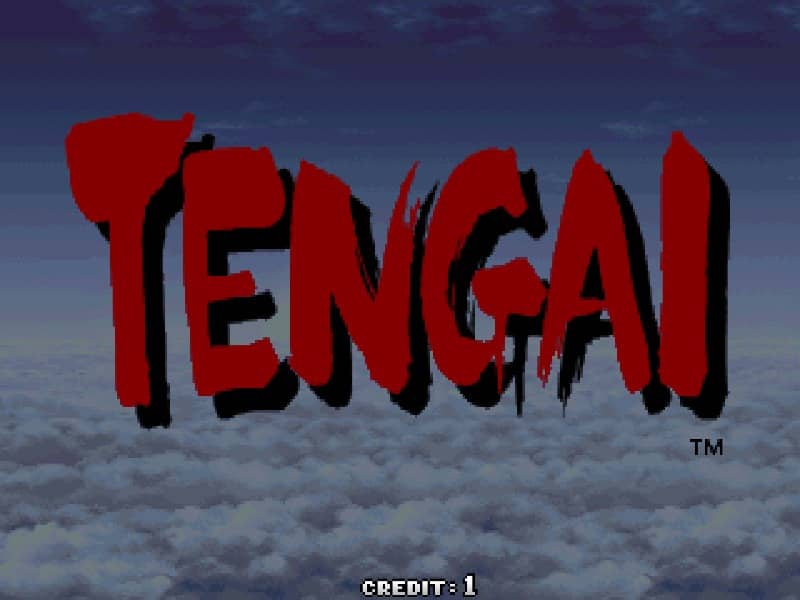
In Tengai, players select one of several unique characters to fly through horizontally scrolling stages, battling waves of mythological and mechanical enemies. The core controls consist of an joystick for movement, a standard shot button, and a bomb button. Holding down the shot button charges a powerful character-specific special attack, which is crucial for dealing heavy damage to bosses and clearing tough enemies without wasting resources. Collecting power-up items enhances your primary shot and increases the effectiveness of your charge attacks. To survive the intense bullet hell patterns, focus on micro-dodging while keeping an eye on your character's small hit box. Use your limited bombs defensively to clear the screen of enemy projectiles and grant temporary invincibility when cornered. In the early stages, prioritize memorizing enemy spawn patterns to collect power-ups quickly. During tense boss encounters, cycle between charging your special attack and using bombs strategically to survive complex bullet patterns.
Information
Play Tengai Online - Arcade FAQ
Can I play Tengai online for free?
Yes. You can play Tengai online for free in your browser on GGEMU, with no download required.
Can I play Tengai on mobile?
Yes. You can play Tengai on mobile devices and desktop browsers through GGEMU.
Can I save my progress in Tengai?
Yes. Tengai supports local save states on GGEMU. Cloud saves are also available to GGEMU Premium members.
Do I need an emulator or special hardware to play Tengai?
No. GGEMU runs Tengai in your browser, so you do not need original Arcade hardware or a separate emulator.
Can I play Tengai in fullscreen mode?
Yes. Tengai supports fullscreen mode on GGEMU for a more immersive experience.
Can I play Tengai with a gamepad or controller?
Yes. Tengai supports gamepad controls on GGEMU when a compatible controller is connected.