How to play
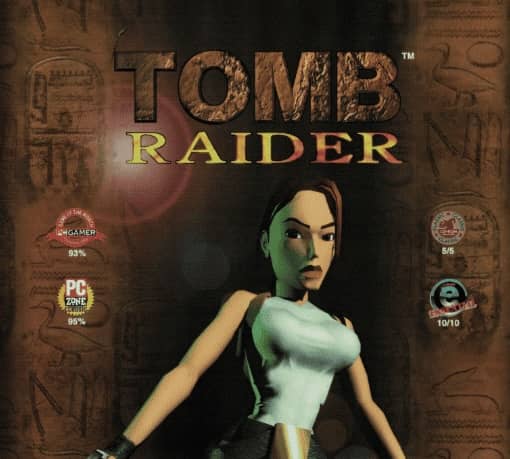
In Tomb Raider for Game Boy, you control Lara Croft from a top-down perspective as she explores ancient ruins, solves environmental puzzles, and battles enemies. Your primary objective is to navigate through various levels, collecting keys and artifacts while avoiding traps and defeating hostile creatures. The game combines action with exploration, requiring you to push blocks, find hidden switches, and use Lara's acrobatic abilities to access new areas. Combat involves using Lara's signature dual pistols to shoot enemies, though ammunition is limited, so aim carefully. Early on, focus on mastering the movement controls and understanding the puzzle mechanics. As you progress, the challenges become more complex, requiring precise timing and spatial reasoning. During tense moments, such as boss fights or trap-filled rooms, prioritize dodging attacks and studying enemy patterns. The game saves progress via password system, so note down codes after completing significant sections.
Information
Play Tomb Raider Online - Game Boy FAQ
Can I play Tomb Raider online for free?
Yes. You can play Tomb Raider online for free in your browser on GGEMU, with no download required.
Can I play Tomb Raider on mobile?
Yes. You can play Tomb Raider on mobile devices and desktop browsers through GGEMU.
Can I save my progress in Tomb Raider?
Yes. Tomb Raider supports local save states on GGEMU. Cloud saves are also available to GGEMU Premium members.
Do I need an emulator or special hardware to play Tomb Raider?
No. GGEMU runs Tomb Raider in your browser, so you do not need original Game Boy hardware or a separate emulator.
Can I play Tomb Raider in fullscreen mode?
Yes. Tomb Raider supports fullscreen mode on GGEMU for a more immersive experience.
Can I play Tomb Raider with a gamepad or controller?
Yes. Tomb Raider supports gamepad controls on GGEMU when a compatible controller is connected.