ZooBlocks
A colorful block-matching puzzle game where players arrange zoo animal blocks to create matches and clear the board.
How to play
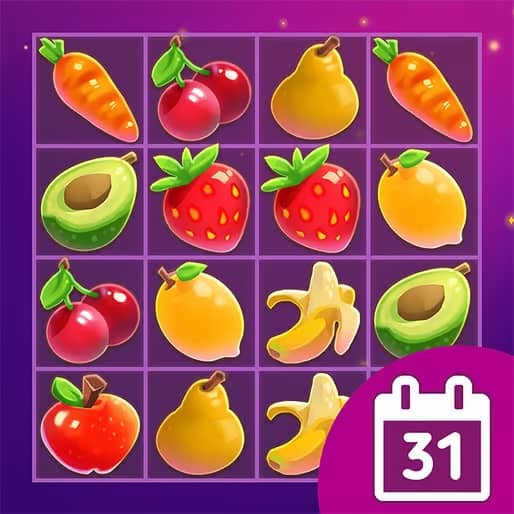
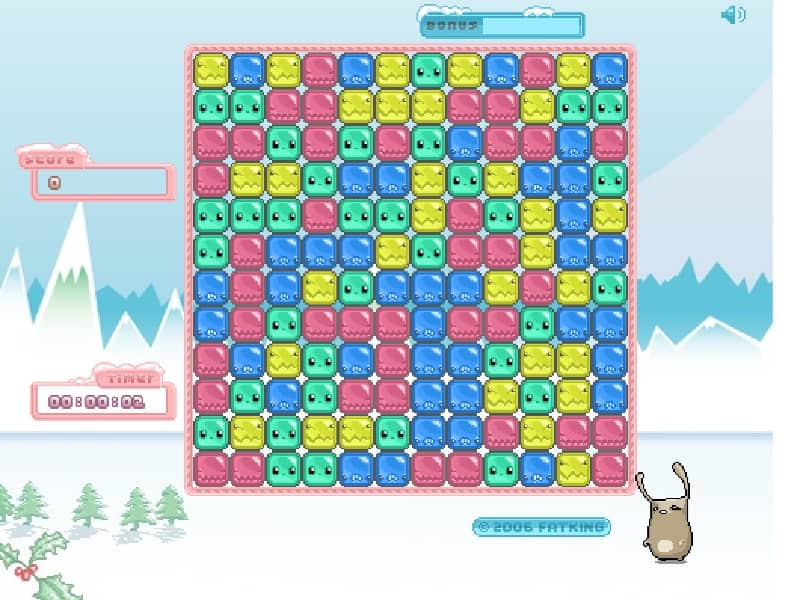
In ZooBlocks, your objective is to clear the playing field by matching three or more identical animal blocks in a row. The game presents you with a grid filled with various zoo animal-themed blocks like lions, elephants, and monkeys. You can swap adjacent blocks horizontally or vertically to create matches. When a match is made, those blocks disappear, and new blocks fall from the top to fill the empty spaces, potentially creating chain reactions for bonus points. As you progress, the game introduces obstacles and time limits, requiring quick thinking and strategic planning. Focus on creating matches near the bottom of the grid first, as this can cause larger cascades. Look for opportunities to set up matches of four or more blocks, which often create special power-up blocks that can clear entire rows or columns when matched. In later levels, prioritize clearing blocked or frozen tiles to maintain your momentum and avoid getting stuck.
Information
Play ZooBlocks Online - HTML5 FAQ
Can I play ZooBlocks online for free?
Yes. You can play ZooBlocks online for free in your browser on GGEMU, with no download required.
Can I play ZooBlocks on mobile?
Yes. You can play ZooBlocks on mobile devices and desktop browsers through GGEMU.
Can I save my progress in ZooBlocks?
ZooBlocks does not currently support GGEMU save states. If the game includes its own save feature, you can use that instead.
Do I need an emulator or special hardware to play ZooBlocks?
No. ZooBlocks runs directly in your browser on GGEMU, with no extra hardware or software required.
Can I play ZooBlocks in fullscreen mode?
Yes. ZooBlocks supports fullscreen mode on GGEMU for a more immersive experience.
Can I play ZooBlocks with a gamepad or controller?
Yes. ZooBlocks supports gamepad controls on GGEMU when a compatible controller is connected.