Mis en ligne par 大帅
Comment jouer
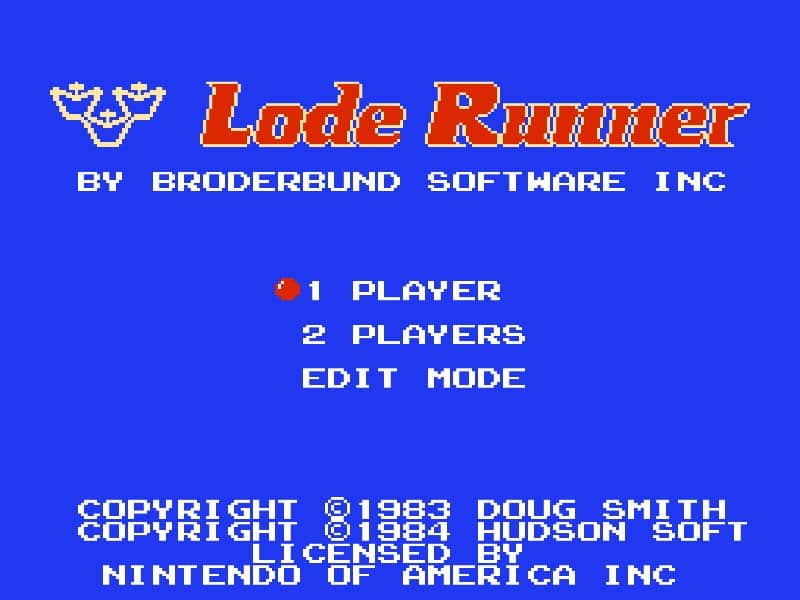
In Lode Runner, your objective is to collect every piece of gold scattered across the level while avoiding capture by the enemy guards. You control your character with the D-pad to run and climb ladders. The core mechanic is digging: you can temporarily remove bricks from the floor to your left or right, creating holes that enemies will fall into and become temporarily stuck. Use these holes to trap guards, create safe paths, or block their advance. A key strategy is to plan your route to avoid being cornered, and to remember that dug bricks will reappear after a short time, so timing is critical. In the early stages, focus on learning the guard movement patterns and practicing quick digging to create escapes. As levels progress, the layouts become more complex, requiring you to think several steps ahead, lure enemies into traps, and sometimes use falling bricks to your advantage. During tense moments, stay calm and look for opportunities to trap multiple guards at once or use a hole to drop down to a safer area.
Informations sur le jeu
Jouer à Lode Runner en ligne – FAQ Famicom
Puis-je jouer gratuitement à Lode Runner en ligne ?
Oui. Vous pouvez jouer gratuitement à Lode Runner en ligne dans votre navigateur sur GGEMU, sans téléchargement.
Puis-je jouer à Lode Runner sur mobile ?
Oui. Vous pouvez jouer à Lode Runner avec GGEMU sur mobile comme dans un navigateur sur ordinateur.
Puis-je sauvegarder ma progression dans Lode Runner ?
Oui. Lode Runner prend en charge les sauvegardes instantanées locales sur GGEMU. Les membres GGEMU Premium peuvent également sauvegarder dans le cloud.
Faut-il un émulateur ou du matériel spécial pour jouer à Lode Runner ?
Non. GGEMU exécute Lode Runner dans votre navigateur : vous n'avez besoin ni du matériel Famicom d'origine ni d'un émulateur séparé.
Puis-je jouer à Lode Runner en plein écran ?
Oui. Lode Runner prend en charge le mode plein écran sur GGEMU pour une expérience plus immersive.
Puis-je jouer à Lode Runner avec une manette ?
Oui. Vous pouvez jouer à Lode Runner avec une manette sur GGEMU lorsqu'un modèle compatible est connecté.