कैसे खेलें
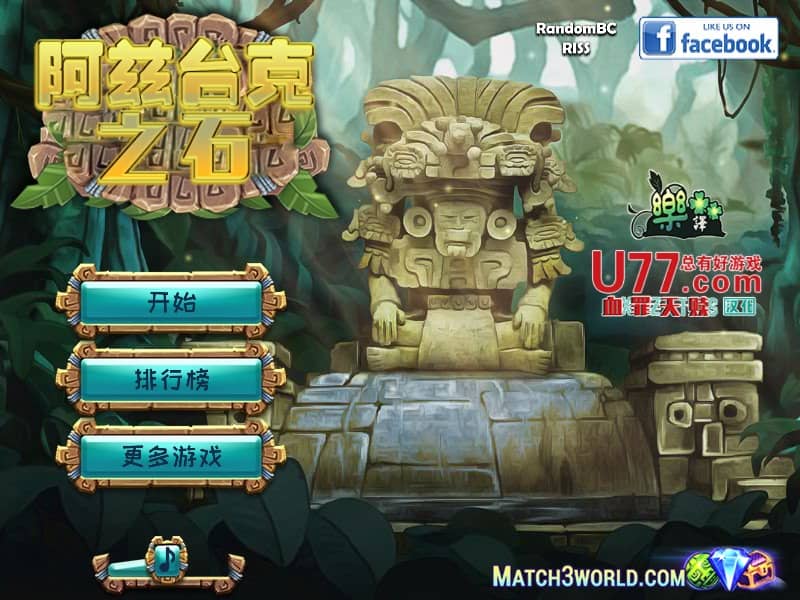
In Aztec Stones, your objective is to rotate groups of colored stones to match patterns and clear them from the board. Each level presents a grid filled with stone tiles featuring various Aztec-inspired symbols and colors. You select groups of adjacent stones and rotate them clockwise or counterclockwise to align matching symbols horizontally or vertically. When three or more identical stones connect, they disappear from the board, and new stones fall into place. Early levels focus on teaching the rotation mechanics and basic pattern recognition. As you advance, the puzzles become more complex with larger grids, more stone types, and obstacles that require strategic planning. The challenge rhythm involves analyzing the board for optimal rotation sequences that create chain reactions and maximize your score. During tense moments when the board fills up, focus on creating matches near the top to prevent gridlock and maintain your progress through the ancient temple-themed stages.
गेम की जानकारी
Aztec Stones ऑनलाइन खेलें - FLASH गेम से जुड़े अक्सर पूछे जाने वाले सवाल
क्या Aztec Stones मुफ़्त में ऑनलाइन खेला जा सकता है?
हाँ। बिना कुछ डाउनलोड किए, GGEMU पर अपने ब्राउज़र में Aztec Stones मुफ़्त ऑनलाइन खेलें।
क्या Aztec Stones मोबाइल पर खेला जा सकता है?
हाँ। GGEMU के ज़रिए Aztec Stones को मोबाइल डिवाइस और डेस्कटॉप ब्राउज़र, दोनों पर खेला जा सकता है।
क्या Aztec Stones में गेम की प्रगति सेव की जा सकती है?
Aztec Stones अभी GGEMU सेव स्टेट्स को सपोर्ट नहीं करता। अगर गेम में अपनी सेव सुविधा है, तो उसकी जगह उसका इस्तेमाल किया जा सकता है।
क्या Aztec Stones खेलने के लिए एमुलेटर या खास हार्डवेयर चाहिए?
नहीं। Aztec Stones GGEMU पर सीधे ब्राउज़र में चलता है और इसके लिए किसी अतिरिक्त हार्डवेयर या सॉफ़्टवेयर की ज़रूरत नहीं है।
क्या Aztec Stones को फ़ुलस्क्रीन मोड में खेला जा सकता है?
हाँ। अधिक शानदार अनुभव के लिए Aztec Stones GGEMU पर फ़ुलस्क्रीन मोड को सपोर्ट करता है।
क्या Aztec Stones को गेमपैड या कंट्रोलर से खेला जा सकता है?
हाँ। कोई संगत कंट्रोलर कनेक्ट होने पर GGEMU पर Aztec Stones को गेमपैड से खेला जा सकता है।