कैसे खेलें
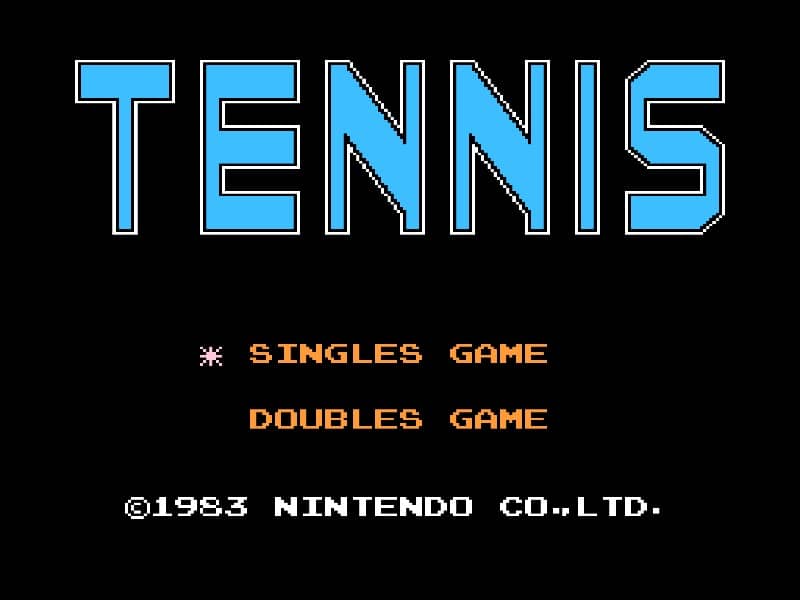
The objective of Tennis is to win matches by scoring more points than your opponent. You control a tennis player on a side-scrolling court and must hit the ball back and forth over the net. Use the D-pad to move your character and press the A button to hit the ball with varying power and angle depending on timing. A well-timed press as the ball arrives results in a stronger shot. The game follows standard tennis rules, with points scored as 15, 30, 40, and game. You can play singles matches against the computer or a second player. In the early part of a match, focus on positioning yourself near the center of the court to cover more ground. As the rally progresses, try to aim your shots toward the corners to force your opponent to run. During tense moments, such as when the score is deuce, play conservatively and avoid risky shots that might go out. A good strategy is to mix up your shots between powerful drives and softer, angled returns to keep your opponent off balance.
गेम की जानकारी
Tennis ऑनलाइन खेलें - Famicom गेम से जुड़े अक्सर पूछे जाने वाले सवाल
क्या Tennis मुफ़्त में ऑनलाइन खेला जा सकता है?
हाँ। बिना कुछ डाउनलोड किए, GGEMU पर अपने ब्राउज़र में Tennis मुफ़्त ऑनलाइन खेलें।
क्या Tennis मोबाइल पर खेला जा सकता है?
हाँ। GGEMU के ज़रिए Tennis को मोबाइल डिवाइस और डेस्कटॉप ब्राउज़र, दोनों पर खेला जा सकता है।
क्या Tennis में गेम की प्रगति सेव की जा सकती है?
हाँ। Tennis GGEMU पर लोकल सेव स्टेट्स को सपोर्ट करता है। GGEMU Premium सदस्यों के लिए क्लाउड सेव भी उपलब्ध है।
क्या Tennis खेलने के लिए एमुलेटर या खास हार्डवेयर चाहिए?
नहीं। GGEMU आपके ब्राउज़र में Tennis चलाता है, इसलिए मूल Famicom हार्डवेयर या अलग एमुलेटर की ज़रूरत नहीं है।
क्या Tennis को फ़ुलस्क्रीन मोड में खेला जा सकता है?
हाँ। अधिक शानदार अनुभव के लिए Tennis GGEMU पर फ़ुलस्क्रीन मोड को सपोर्ट करता है।
क्या Tennis को गेमपैड या कंट्रोलर से खेला जा सकता है?
हाँ। कोई संगत कंट्रोलर कनेक्ट होने पर GGEMU पर Tennis को गेमपैड से खेला जा सकता है।