अपलोडकर्ता: 大帅
कैसे खेलें
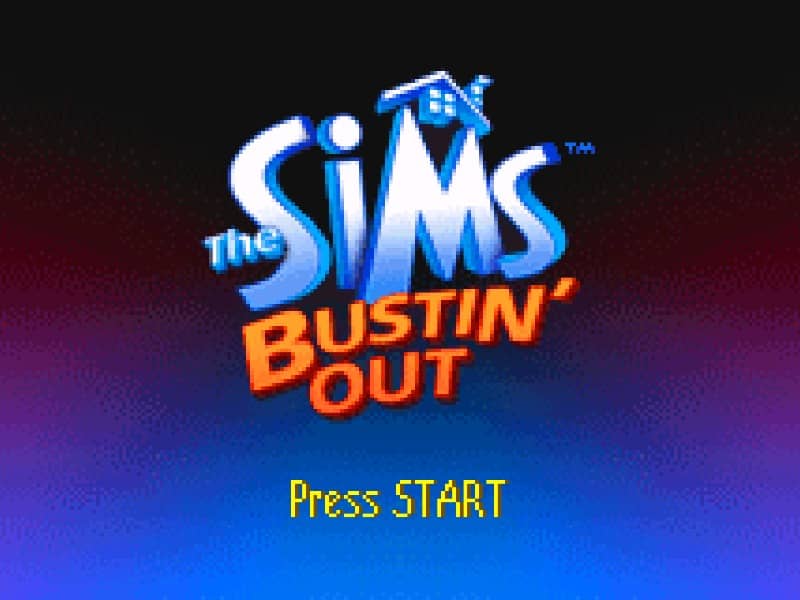
In this handheld adventure, you must manage your Sim's daily motives—such as Hunger, Energy, Social, and Hygiene—while completing specific missions assigned by the residents of SimValley. Use the D-pad to navigate the town and the A button to interact with objects, talk to NPCs, or start activities. Your primary goal is to progress through the story by fulfilling goals, which often involve building relationships or reaching specific skill levels through practice. To earn money, known as Simoleons, you must participate in various mini-game jobs found throughout the world, which increase in difficulty and payout as you get promoted. Efficiency is key in the early game; always ensure your motives are in the green before heading out to work or starting a new mission, as low motives will cause your Sim to pass out or have tantrums. Focus on upgrading your home with better appliances and beds to replenish your needs more quickly, allowing more time for exploration. Pay close attention to the mission log to track your current objectives and explore every building to find hidden items or new job opportunities. Use social interactions wisely to build friendships, which are often required to unlock new areas of the map and progress the narrative.
गेम की जानकारी
The Sims - Bustin Out ऑनलाइन खेलें - Game Boy Advance गेम से जुड़े अक्सर पूछे जाने वाले सवाल
क्या The Sims - Bustin Out मुफ़्त में ऑनलाइन खेला जा सकता है?
हाँ। बिना कुछ डाउनलोड किए, GGEMU पर अपने ब्राउज़र में The Sims - Bustin Out मुफ़्त ऑनलाइन खेलें।
क्या The Sims - Bustin Out मोबाइल पर खेला जा सकता है?
हाँ। GGEMU के ज़रिए The Sims - Bustin Out को मोबाइल डिवाइस और डेस्कटॉप ब्राउज़र, दोनों पर खेला जा सकता है।
क्या The Sims - Bustin Out में गेम की प्रगति सेव की जा सकती है?
हाँ। The Sims - Bustin Out GGEMU पर लोकल सेव स्टेट्स को सपोर्ट करता है। GGEMU Premium सदस्यों के लिए क्लाउड सेव भी उपलब्ध है।
क्या The Sims - Bustin Out खेलने के लिए एमुलेटर या खास हार्डवेयर चाहिए?
नहीं। GGEMU आपके ब्राउज़र में The Sims - Bustin Out चलाता है, इसलिए मूल Game Boy Advance हार्डवेयर या अलग एमुलेटर की ज़रूरत नहीं है।
क्या The Sims - Bustin Out को फ़ुलस्क्रीन मोड में खेला जा सकता है?
हाँ। अधिक शानदार अनुभव के लिए The Sims - Bustin Out GGEMU पर फ़ुलस्क्रीन मोड को सपोर्ट करता है।
क्या The Sims - Bustin Out को गेमपैड या कंट्रोलर से खेला जा सकता है?
हाँ। कोई संगत कंट्रोलर कनेक्ट होने पर GGEMU पर The Sims - Bustin Out को गेमपैड से खेला जा सकता है।