Caricato da 大帅
Come giocare
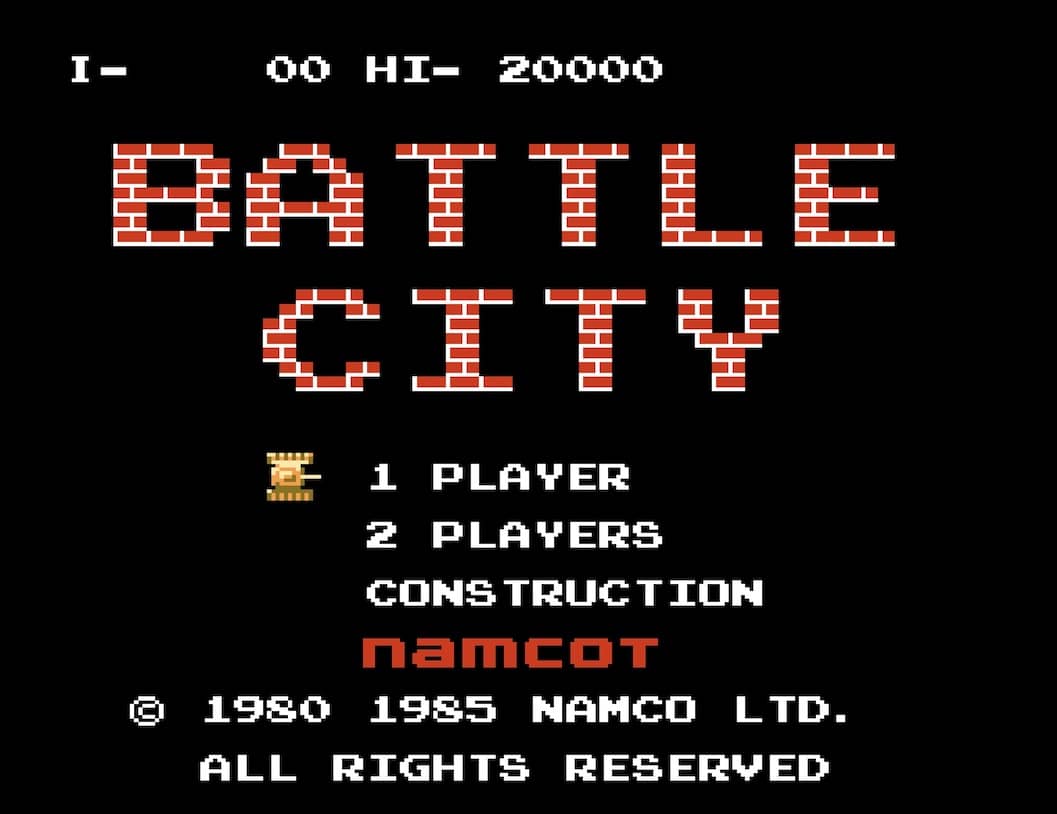
In Battle City, you control a tank from a top-down perspective with the goal of defending your eagle base at the bottom of the screen. Use the D-pad to move your tank in four directions and the A or B button to fire bullets at enemy tanks that appear from the top. You must destroy all enemy tanks in each stage to advance. Your base is vulnerable; if an enemy tank or bullet hits it, you lose a life. Power-ups occasionally appear when you destroy certain enemy tanks, granting abilities like increased firepower, speed boosts, or temporary invincibility. The battlefield is filled with destructible brick walls and indestructible steel walls that provide cover but can also block your shots. Early on, focus on clearing a safe path to protect your base while picking off enemies from a distance. As stages progress, enemy tanks become faster and more aggressive, requiring quick reflexes and strategic use of terrain. In tense moments, prioritize destroying tanks that are heading directly for your base and use power-ups wisely to turn the tide.
Informazioni sul gioco
Gioca a Battle City online - FAQ Famicom
Posso giocare gratis a Battle City online?
Sì. Puoi giocare gratis a Battle City online nel browser su GGEMU, senza scaricare nulla.
Posso giocare a Battle City su smartphone?
Sì. Puoi giocare a Battle City tramite GGEMU sia sui dispositivi mobili sia nei browser desktop.
Posso salvare i progressi in Battle City?
Sì. Battle City supporta gli stati di salvataggio locali su GGEMU. I membri di GGEMU Premium possono anche salvare nel cloud.
Mi servono un emulatore o hardware speciale per giocare a Battle City?
No. GGEMU esegue Battle City nel tuo browser, quindi non servono l'hardware originale Famicom o un emulatore separato.
Posso giocare a Battle City a schermo intero?
Sì. Battle City supporta la modalità a schermo intero su GGEMU per un'esperienza più coinvolgente.
Posso giocare a Battle City con un gamepad o controller?
Sì. Se colleghi un controller compatibile, puoi usare il gamepad per giocare a Battle City su GGEMU.