Come giocare
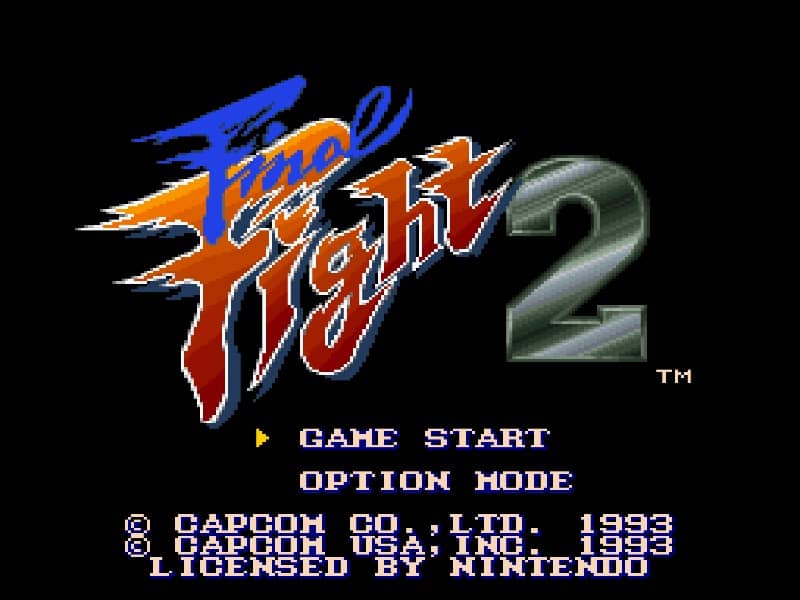
Final Fight 2 is a classic side-scrolling beat 'em up where your goal is to fight through six stages of city streets, subways, and industrial areas, defeating waves of enemies and powerful bosses. You control one of three characters, each with unique strengths: Haggar uses powerful grapples, Maki is fast with aerial attacks, and Carlos has a balanced moveset with a sword special move. Move with the D-pad, attack with the attack button, and jump with the jump button. You can perform jump attacks, grapple enemies by getting close, and use a special attack that drains a bit of health to clear the screen when surrounded. The core gameplay loop involves advancing to the right, defeating all enemies in an area to proceed, and avoiding environmental hazards. Collect food and other items to restore health, and grab weapons like pipes and knives dropped by enemies for temporary power-ups. In the early stages, focus on learning enemy patterns and conserving health by avoiding unnecessary damage. During the middle of the game, manage crowds by using throws and special attacks strategically. In tense moments against bosses, watch for their attack telegraphs and strike during their recovery periods. A key strategy is to master the timing of throws and combos to control space effectively.
Informazioni sul gioco
Gioca a Final Fight 2 online - FAQ Super Famicom
Posso giocare gratis a Final Fight 2 online?
Sì. Puoi giocare gratis a Final Fight 2 online nel browser su GGEMU, senza scaricare nulla.
Posso giocare a Final Fight 2 su smartphone?
Sì. Puoi giocare a Final Fight 2 tramite GGEMU sia sui dispositivi mobili sia nei browser desktop.
Posso salvare i progressi in Final Fight 2?
Sì. Final Fight 2 supporta gli stati di salvataggio locali su GGEMU. I membri di GGEMU Premium possono anche salvare nel cloud.
Mi servono un emulatore o hardware speciale per giocare a Final Fight 2?
No. GGEMU esegue Final Fight 2 nel tuo browser, quindi non servono l'hardware originale Super Famicom o un emulatore separato.
Posso giocare a Final Fight 2 a schermo intero?
Sì. Final Fight 2 supporta la modalità a schermo intero su GGEMU per un'esperienza più coinvolgente.
Posso giocare a Final Fight 2 con un gamepad o controller?
Sì. Se colleghi un controller compatibile, puoi usare il gamepad per giocare a Final Fight 2 su GGEMU.