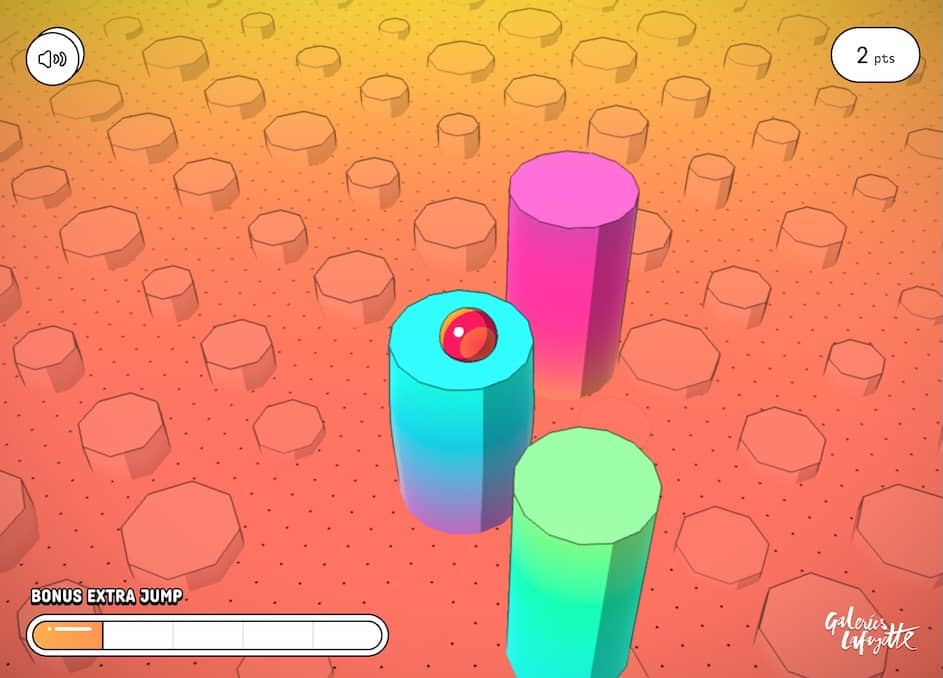
Play for Goods
A casual HTML5 shopping game where players collect falling items in their cart while avoiding obstacles.
Come giocare
In Play for Goods, your objective is to collect as many desirable items as possible by moving your shopping cart left and right across the bottom of the screen. Items like fruits, toys, and electronics will fall from the top, and you must position your cart to catch them. Be careful to avoid rotten fruits and other negative items that will reduce your score. The game gets progressively faster, requiring quicker reflexes as you advance. Early on, focus on building a steady rhythm and learning the falling patterns of different items. As the pace increases, prioritize catching high-value items while strategically dodging obstacles. During tense moments when the screen fills with falling objects, stay calm and make deliberate movements rather than frantic swipes to maintain control of your cart.
Informazioni sul gioco
Gioca a Play for Goods online - FAQ HTML5
Posso giocare gratis a Play for Goods online?
Sì. Puoi giocare gratis a Play for Goods online nel browser su GGEMU, senza scaricare nulla.
Posso giocare a Play for Goods su smartphone?
Sì. Puoi giocare a Play for Goods tramite GGEMU sia sui dispositivi mobili sia nei browser desktop.
Posso salvare i progressi in Play for Goods?
Play for Goods non supporta ancora gli stati di salvataggio di GGEMU. Se il gioco include una propria funzione di salvataggio, puoi usare quella.
Mi servono un emulatore o hardware speciale per giocare a Play for Goods?
No. Play for Goods funziona direttamente nel tuo browser su GGEMU, senza hardware o software aggiuntivo.
Posso giocare a Play for Goods a schermo intero?
Sì. Play for Goods supporta la modalità a schermo intero su GGEMU per un'esperienza più coinvolgente.
Posso giocare a Play for Goods con un gamepad o controller?
Sì. Se colleghi un controller compatibile, puoi usare il gamepad per giocare a Play for Goods su GGEMU.