Come giocare
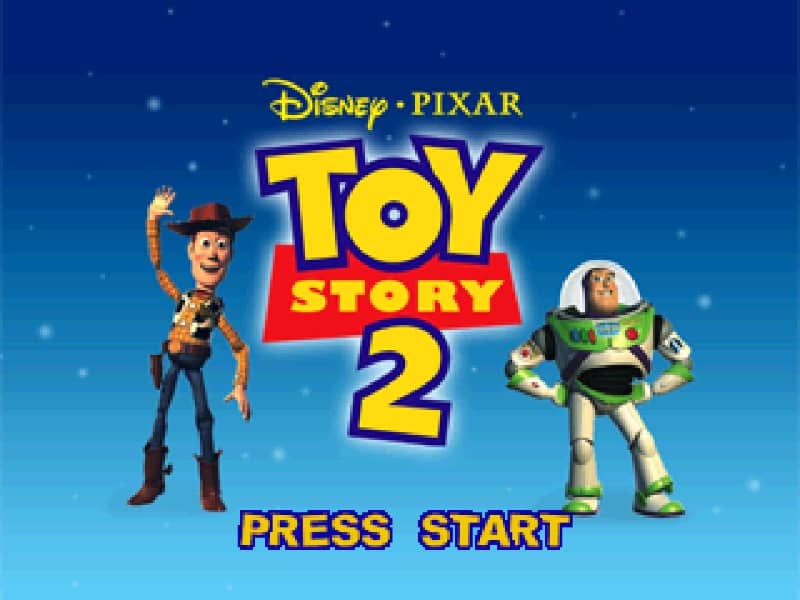
Your primary goal is to guide Buzz Lightyear through various themed levels, from Al's Toy Barn to suburban neighborhoods, to collect Pizza Planet tokens and rescue Woody's missing parts. You'll run, jump, and use your laser to defeat enemies like the Green Army Men and Zurg's robots. Exploration is key, as you must find hidden areas and complete mini-challenges to progress. A useful beginner strategy is to thoroughly search each area for collectibles like coins to unlock bonus content and extra lives, which are crucial for surviving the more challenging later stages. Focus on mastering Buzz's basic moves first; his laser can stun foes from a distance, giving you time to plan your attacks or navigate past them. In tense moments, especially during boss fights, watch for attack patterns and use the environment for cover. The challenge rhythm involves a mix of platforming precision, light combat, and puzzle-solving, with the difficulty gradually increasing as you advance.
Informazioni sul gioco
Gioca a Toy Story 2: Buzz Lightyear to the Rescue! online - FAQ Nintendo 64
Posso giocare gratis a Toy Story 2: Buzz Lightyear to the Rescue! online?
Sì. Puoi giocare gratis a Toy Story 2: Buzz Lightyear to the Rescue! online nel browser su GGEMU, senza scaricare nulla.
Posso giocare a Toy Story 2: Buzz Lightyear to the Rescue! su smartphone?
Sì. Puoi giocare a Toy Story 2: Buzz Lightyear to the Rescue! tramite GGEMU sia sui dispositivi mobili sia nei browser desktop.
Posso salvare i progressi in Toy Story 2: Buzz Lightyear to the Rescue!?
Sì. Toy Story 2: Buzz Lightyear to the Rescue! supporta gli stati di salvataggio locali su GGEMU. I membri di GGEMU Premium possono anche salvare nel cloud.
Mi servono un emulatore o hardware speciale per giocare a Toy Story 2: Buzz Lightyear to the Rescue!?
No. GGEMU esegue Toy Story 2: Buzz Lightyear to the Rescue! nel tuo browser, quindi non servono l'hardware originale Nintendo 64 o un emulatore separato.
Posso giocare a Toy Story 2: Buzz Lightyear to the Rescue! a schermo intero?
Sì. Toy Story 2: Buzz Lightyear to the Rescue! supporta la modalità a schermo intero su GGEMU per un'esperienza più coinvolgente.
Posso giocare a Toy Story 2: Buzz Lightyear to the Rescue! con un gamepad o controller?
Sì. Se colleghi un controller compatibile, puoi usare il gamepad per giocare a Toy Story 2: Buzz Lightyear to the Rescue! su GGEMU.