EMU
ダウンロード
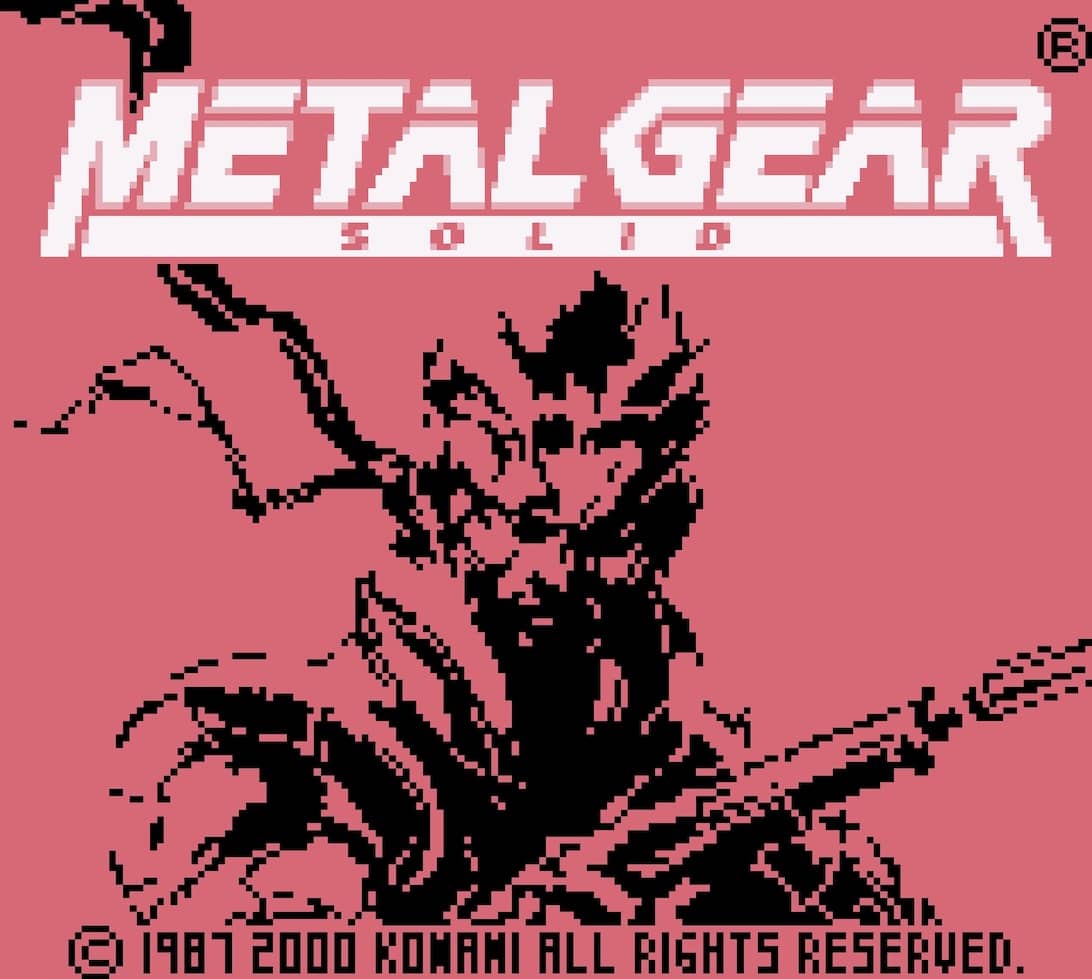
Download 合金装备 2030年汉化版 for Game Boy Color
Download the game file directly, then open it with an emulator compatible with Game Boy Color.
File name
metal-gear-2030-cn-gbc.gbc✓Direct download
✓No sign-in
✓Setup guide included
How to download and play 合金装备 2030年汉化版
1
Select “Download” to save 合金装备 2030年汉化版 to your device.
2
Install an emulator that supports Game Boy Color.
3
Open or import the downloaded file in the emulator, then start playing locally.
Compatibility and troubleshooting
This file is intended for Game Boy Color. Make sure your emulator supports that system before importing the file.
If the download does not start, allow downloads for this site and try again. If the file does not open, check the emulator's supported formats and import instructions.
About 合金装备 2030年汉化版
好游戏值得用中文再体验一遍
Before you download
Only download and use game files that you are legally entitled to access. You are responsible for complying with the copyright laws that apply in your region.