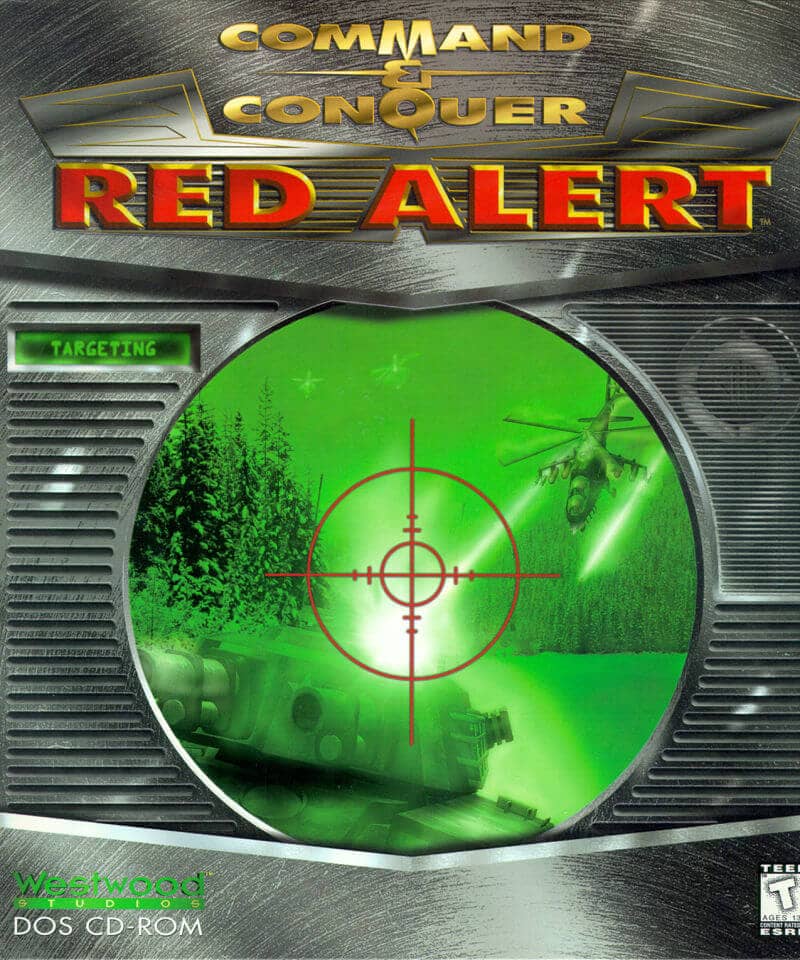
Como jogar
In Command & Conquer: Red Alert, your primary objective is to build a base, gather resources, and command an army to defeat your opponent. You start by constructing a Construction Yard, then build resource collectors to harvest Tiberium and ore for funds. Use these funds to build power plants, barracks, war factories, and defensive structures. Train infantry and vehicles to create a balanced force capable of attacking enemy bases and defending your own. Scouting is crucial to anticipate enemy movements and plan your assaults. A useful beginner strategy is to focus on securing resource fields early and building strong defenses like Guard Towers or Tesla Coils to protect your base from early rushes. The challenge rhythm involves managing your economy while simultaneously producing units and directing them in combat. In tense moments, such as an enemy attack, prioritize defending your Construction Yard and power supply, as losing power disables your defenses and production. Later in the game, advanced units like Mammoth Tanks or V2 Rocket Launchers can turn the tide of battle.
Informações do jogo
Jogar Command & Conquer: Red Alert online - Perguntas frequentes de DOS
Posso jogar Command & Conquer: Red Alert online gratuitamente?
Sim. Podes jogar Command & Conquer: Red Alert online gratuitamente no navegador através do GGEMU, sem fazer downloads.
Posso jogar Command & Conquer: Red Alert no telemóvel?
Command & Conquer: Red Alert está atualmente otimizado para navegadores de computador e não está disponível em dispositivos móveis.
Posso guardar o meu progresso em Command & Conquer: Red Alert?
Sim. Command & Conquer: Red Alert suporta estados de gravação locais no GGEMU. Os membros do GGEMU Premium também podem guardar na nuvem.
Preciso de um emulador ou hardware especial para jogar Command & Conquer: Red Alert?
Não. Command & Conquer: Red Alert funciona no teu navegador através do GGEMU, por isso não precisas de um ambiente DOS nem de outro emulador.
Posso jogar Command & Conquer: Red Alert em ecrã inteiro?
Sim. Command & Conquer: Red Alert suporta o modo de ecrã inteiro no GGEMU para uma experiência mais envolvente.
Posso jogar Command & Conquer: Red Alert com um comando?
Sim. Podes controlar Command & Conquer: Red Alert com um comando no GGEMU quando ligares um modelo compatível.