玩法介绍
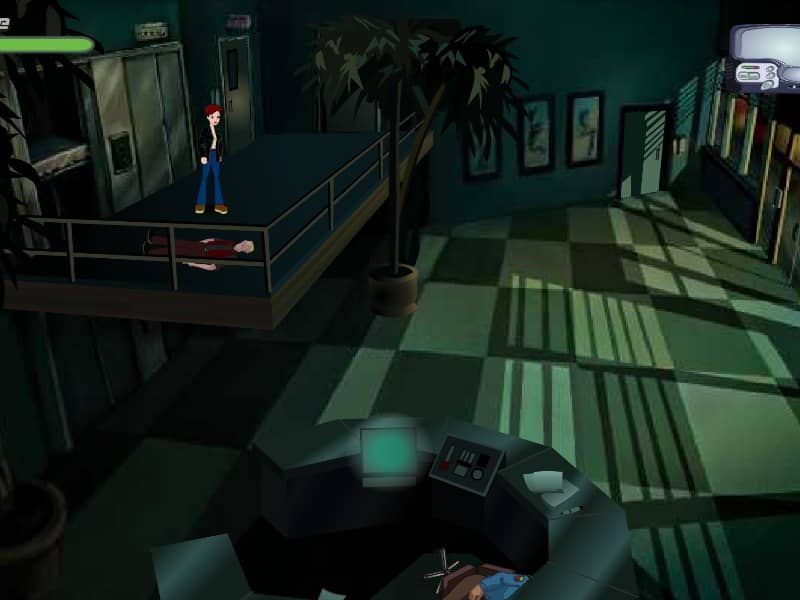
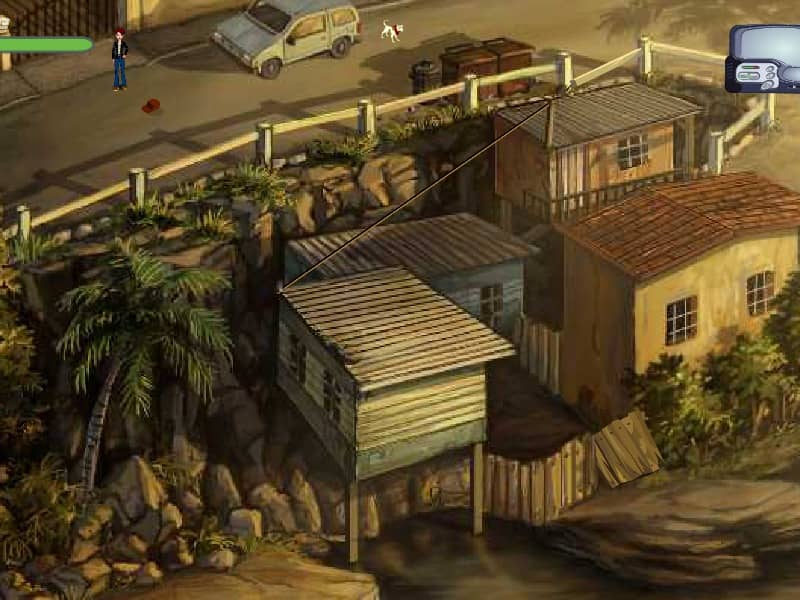
In A Case of the Crabs, you control one or more crabs to solve puzzles across various levels. Your objective is to guide the crabs safely to the exit while avoiding hazards like spikes, enemies, and environmental traps. Use the arrow keys to move your crab left and right, and press the up arrow or spacebar to jump. Crabs can push certain objects, activate switches, and interact with elements in the environment to create paths or remove obstacles. Plan your moves carefully as crabs move together if multiple are present. Some puzzles require precise timing or coordinated movements between crabs. Watch for patterns in enemy behavior and use the environment to your advantage. In later levels, focus on observing the puzzle layout before making moves, as one wrong step can trap your crabs. The challenge increases with more complex puzzles requiring sequential actions and clever use of crab abilities.
游戏信息
在线玩 A Case of the Crabs - FLASH 游戏常见问题
可以免费在线玩 A Case of the Crabs 吗?
可以。你可以在 GGEMU 上直接通过浏览器免费在线玩 A Case of the Crabs,无需下载。
可以在手机上玩 A Case of the Crabs 吗?
可以。你可以通过 GGEMU 在手机等移动设备或电脑浏览器上玩 A Case of the Crabs。
玩 A Case of the Crabs 可以保存进度吗?
A Case of the Crabs 目前不支持 GGEMU 即时存档。如果游戏自带存档功能,可以使用游戏内存档。
玩 A Case of the Crabs 需要安装模拟器或准备专用硬件吗?
不需要。A Case of the Crabs 可直接在 GGEMU 的浏览器页面中运行,无需额外的硬件或软件。
可以全屏玩 A Case of the Crabs 吗?
可以。A Case of the Crabs 在 GGEMU 上支持全屏模式,游玩时更具沉浸感。
可以用游戏手柄玩 A Case of the Crabs 吗?
可以。连接兼容的游戏手柄后,即可在 GGEMU 上用手柄玩 A Case of the Crabs。