玩法介绍
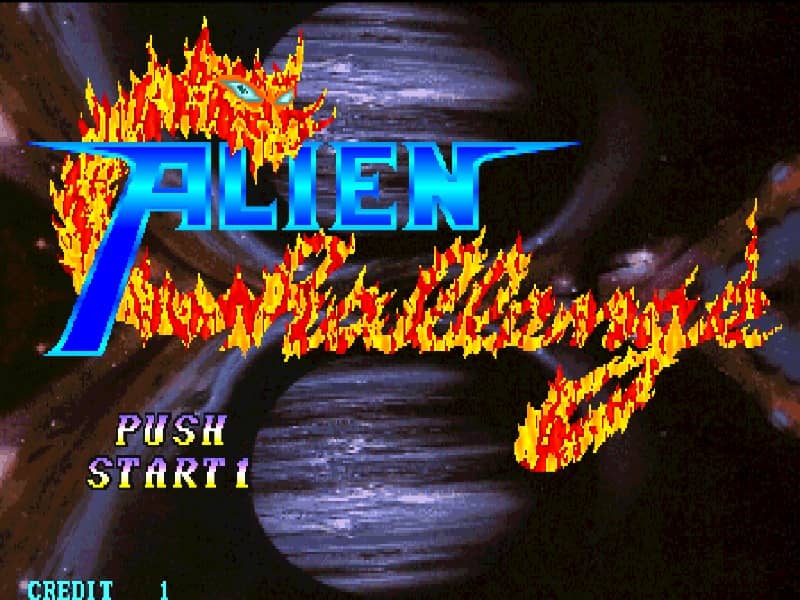
In Alien Challenge, players select a fighter to compete in traditional one-on-one martial arts matches. The controls utilize an 8-way joystick for movement—including walking, crouching, jumping, and dashing—paired with buttons for light and heavy attacks. The primary objective is to win two out of three rounds by completely depleting the opponent's health bar using a combination of normal strikes, blocks, and character-specific special inputs. Beginners should focus on spacing and defensive blocking to counter aggressive opponents. Execute special moves by performing quarter-circle or charge motions followed by an attack button to launch projectiles or execute anti-air strikes. Capitalize on successful blocks by launching quick counter-attacks and combining basic punches and kicks into short, high-damage combos.
游戏信息
在线玩 Alien Challenge - Arcade 游戏常见问题
可以免费在线玩 Alien Challenge 吗?
可以。你可以在 GGEMU 上直接通过浏览器免费在线玩 Alien Challenge,无需下载。
可以在手机上玩 Alien Challenge 吗?
可以。你可以通过 GGEMU 在手机等移动设备或电脑浏览器上玩 Alien Challenge。
玩 Alien Challenge 可以保存进度吗?
可以。Alien Challenge 支持 GGEMU 本地即时存档;GGEMU Premium 会员还可以使用云存档。
玩 Alien Challenge 需要安装模拟器或准备专用硬件吗?
不需要。GGEMU 会直接在浏览器中运行 Alien Challenge,无需原装 Arcade 硬件,也不用另外安装模拟器。
可以全屏玩 Alien Challenge 吗?
可以。Alien Challenge 在 GGEMU 上支持全屏模式,游玩时更具沉浸感。
可以用游戏手柄玩 Alien Challenge 吗?
可以。连接兼容的游戏手柄后,即可在 GGEMU 上用手柄玩 Alien Challenge。