Mis en ligne par 大帅
Comment jouer
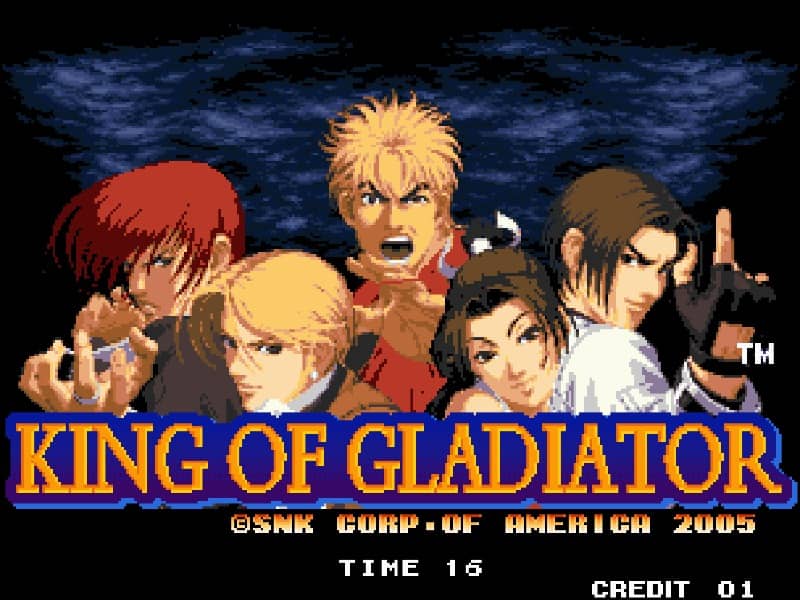
In Alien Challenge, players select a fighter to compete in traditional one-on-one martial arts matches. The controls utilize an 8-way joystick for movement—including walking, crouching, jumping, and dashing—paired with buttons for light and heavy attacks. The primary objective is to win two out of three rounds by completely depleting the opponent's health bar using a combination of normal strikes, blocks, and character-specific special inputs. Beginners should focus on spacing and defensive blocking to counter aggressive opponents. Execute special moves by performing quarter-circle or charge motions followed by an attack button to launch projectiles or execute anti-air strikes. Capitalize on successful blocks by launching quick counter-attacks and combining basic punches and kicks into short, high-damage combos.
Informations sur le jeu
Jouer à Alien Challenge en ligne – FAQ Arcade
Puis-je jouer gratuitement à Alien Challenge en ligne ?
Oui. Vous pouvez jouer gratuitement à Alien Challenge en ligne dans votre navigateur sur GGEMU, sans téléchargement.
Puis-je jouer à Alien Challenge sur mobile ?
Oui. Vous pouvez jouer à Alien Challenge avec GGEMU sur mobile comme dans un navigateur sur ordinateur.
Puis-je sauvegarder ma progression dans Alien Challenge ?
Oui. Alien Challenge prend en charge les sauvegardes instantanées locales sur GGEMU. Les membres GGEMU Premium peuvent également sauvegarder dans le cloud.
Faut-il un émulateur ou du matériel spécial pour jouer à Alien Challenge ?
Non. GGEMU exécute Alien Challenge dans votre navigateur : vous n'avez besoin ni du matériel Arcade d'origine ni d'un émulateur séparé.
Puis-je jouer à Alien Challenge en plein écran ?
Oui. Alien Challenge prend en charge le mode plein écran sur GGEMU pour une expérience plus immersive.
Puis-je jouer à Alien Challenge avec une manette ?
Oui. Vous pouvez jouer à Alien Challenge avec une manette sur GGEMU lorsqu'un modèle compatible est connecté.