玩法介绍
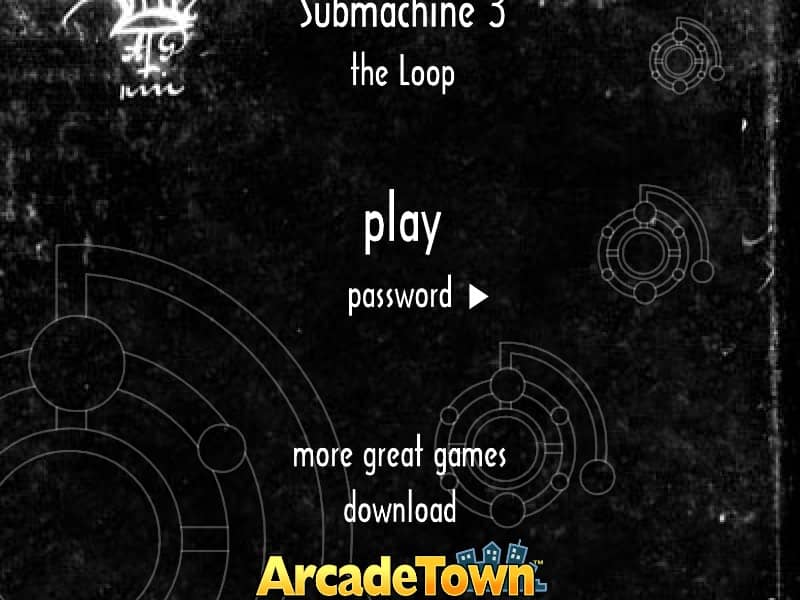
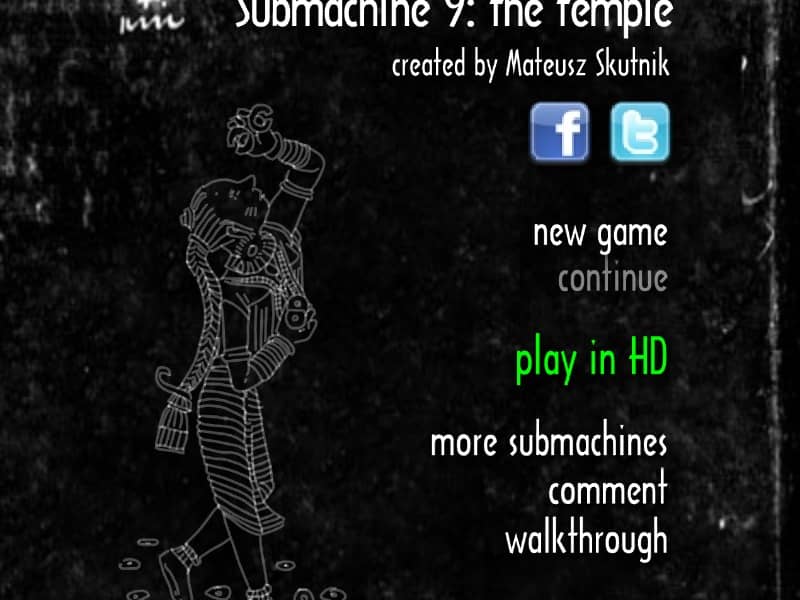
Your goal is to explore the ancient temple environment by clicking to navigate between screens and interact with objects. Examine everything carefully, as the temple is filled with hidden switches, cryptic symbols, and intricate mechanical devices that must be manipulated to solve puzzles. Collect items and pay close attention to environmental clues and notes left behind, as they often contain vital hints for progression. The puzzles are largely logical and spatial, requiring you to understand the temple's mechanisms and the relationships between different areas. Early on, focus on thoroughly exploring each room and taking note of any patterns or recurring symbols. As you advance, you will need to combine items and use them on specific devices to activate new pathways. The challenge lies in observation and deduction, with a steady rhythm of discovery and problem-solving. In tense moments, retrace your steps and re-examine previous puzzles with new information you have acquired.
游戏信息
在线玩 Submachine 9: The Temple - FLASH 游戏常见问题
可以免费在线玩 Submachine 9: The Temple 吗?
可以。你可以在 GGEMU 上直接通过浏览器免费在线玩 Submachine 9: The Temple,无需下载。
可以在手机上玩 Submachine 9: The Temple 吗?
可以。你可以通过 GGEMU 在手机等移动设备或电脑浏览器上玩 Submachine 9: The Temple。
玩 Submachine 9: The Temple 可以保存进度吗?
Submachine 9: The Temple 目前不支持 GGEMU 即时存档。如果游戏自带存档功能,可以使用游戏内存档。
玩 Submachine 9: The Temple 需要安装模拟器或准备专用硬件吗?
不需要。Submachine 9: The Temple 可直接在 GGEMU 的浏览器页面中运行,无需额外的硬件或软件。
可以全屏玩 Submachine 9: The Temple 吗?
可以。Submachine 9: The Temple 在 GGEMU 上支持全屏模式,游玩时更具沉浸感。
可以用游戏手柄玩 Submachine 9: The Temple 吗?
可以。连接兼容的游戏手柄后,即可在 GGEMU 上用手柄玩 Submachine 9: The Temple。