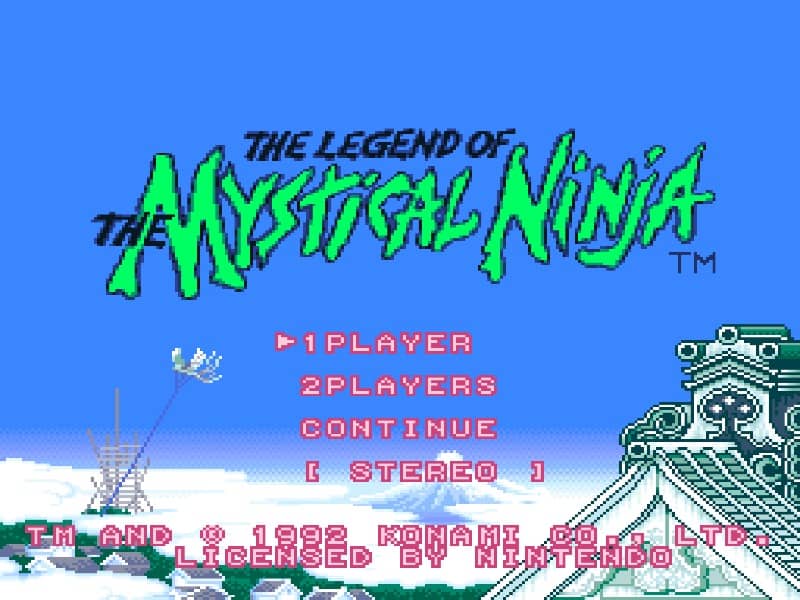
玩法介绍
Your primary goal is to guide the heroes through towns and action stages to rescue Princess Yuki. You control one character at a time, switching between Goemon and Ebisumaru, who have different strengths. In towns, you explore from a top-down perspective, talking to villagers, shopping for items like health-restoring sushi and throwing weapons, and entering action stages. The side-scrolling action stages require platforming skills to jump over pits and defeat enemies with your pipe or shuriken. You earn money by defeating enemies and breaking objects, which is essential for buying upgrades. A key strategy is to manage your health and money carefully, purchasing better weapons and armor when possible. The game features a two-player cooperative mode, allowing a friend to control the second character. Focus on learning enemy patterns and exploring each area thoroughly to find hidden items and power-ups that make later stages easier.
游戏信息
在线玩 The Legend of the Mystical Ninja - Super Famicom 游戏常见问题
可以免费在线玩 The Legend of the Mystical Ninja 吗?
可以。你可以在 GGEMU 上直接通过浏览器免费在线玩 The Legend of the Mystical Ninja,无需下载。
可以在手机上玩 The Legend of the Mystical Ninja 吗?
可以。你可以通过 GGEMU 在手机等移动设备或电脑浏览器上玩 The Legend of the Mystical Ninja。
玩 The Legend of the Mystical Ninja 可以保存进度吗?
可以。The Legend of the Mystical Ninja 支持 GGEMU 本地即时存档;GGEMU Premium 会员还可以使用云存档。
玩 The Legend of the Mystical Ninja 需要安装模拟器或准备专用硬件吗?
不需要。GGEMU 会直接在浏览器中运行 The Legend of the Mystical Ninja,无需原装 Super Famicom 硬件,也不用另外安装模拟器。
可以全屏玩 The Legend of the Mystical Ninja 吗?
可以。The Legend of the Mystical Ninja 在 GGEMU 上支持全屏模式,游玩时更具沉浸感。
可以用游戏手柄玩 The Legend of the Mystical Ninja 吗?
可以。连接兼容的游戏手柄后,即可在 GGEMU 上用手柄玩 The Legend of the Mystical Ninja。