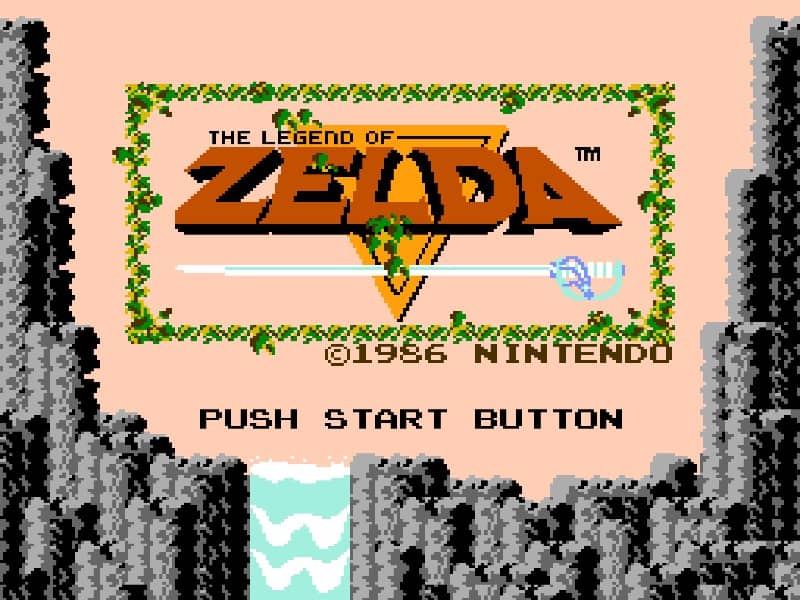
玩法介紹
You play as Link, the hero of Hyrule. Your primary goal is to explore the vast overworld and navigate through nine challenging dungeons to collect the eight fragments of the Triforce of Wisdom. The game is played from a top-down perspective. You move Link with the directional pad and use the A and B buttons to wield your sword and secondary items like the boomerang or bombs. Combat involves strategically approaching enemies to strike with your sword while avoiding their attacks. In dungeons, you must find keys to unlock doors, defeat enemies, and solve puzzles to locate the dungeon map, compass, and ultimately the Triforce fragment and the dungeon boss. The game is non-linear; after the first dungeon, you can explore many areas in any order, though some require specific items to access. A key early strategy is to thoroughly search bushes and burn certain trees with a candle to find hidden caves containing rupees, heart containers for increasing your health, or essential items. The challenge escalates as you progress, with tougher enemies and more complex dungeon layouts. Focus on building your arsenal and health early, then methodically conquer each dungeon to prepare for the final confrontation with Ganon.
遊戲資訊
線上玩 The Legend of Zelda - Famicom 遊戲常見問題
可以免費線上玩 The Legend of Zelda 嗎?
可以。你可以在 GGEMU 上直接透過瀏覽器免費線上玩 The Legend of Zelda,無需下載。
可以在手機上玩 The Legend of Zelda 嗎?
可以。你可以透過 GGEMU 在手機等流動裝置或電腦瀏覽器上玩 The Legend of Zelda。
玩 The Legend of Zelda 可以儲存進度嗎?
可以。The Legend of Zelda 支援 GGEMU 本機即時存檔;GGEMU Premium 會員還可以使用雲端存檔。
玩 The Legend of Zelda 需要安裝模擬器或準備專用硬件嗎?
不需要。GGEMU 會直接在瀏覽器中運行 The Legend of Zelda,無需原裝 Famicom 硬件,也不用另外安裝模擬器。
可以全螢幕玩 The Legend of Zelda 嗎?
可以。The Legend of Zelda 在 GGEMU 上支援全螢幕模式,遊玩時更具沉浸感。
可以用遊戲手掣或控制器玩 The Legend of Zelda 嗎?
可以。連接兼容的遊戲手掣或控制器後,即可在 GGEMU 上用手掣玩 The Legend of Zelda。