So spielt man
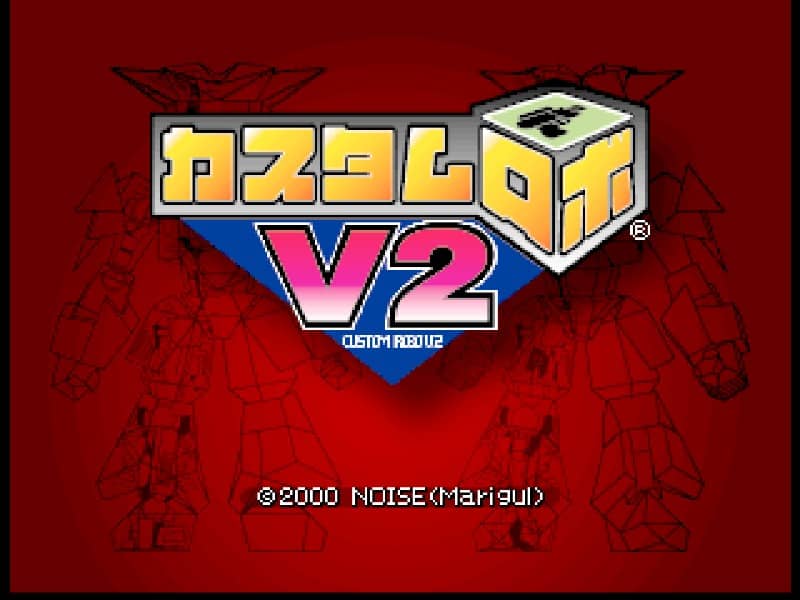
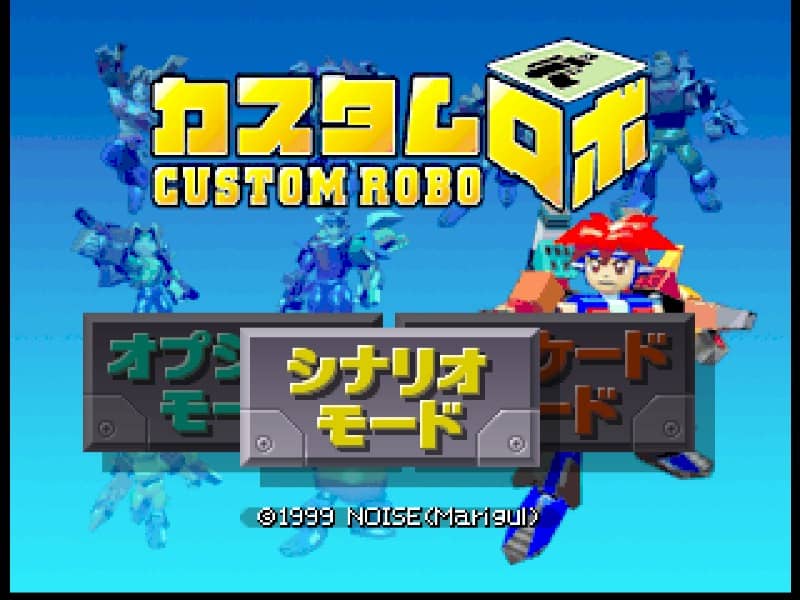
In Custom Robo, players control miniature customizable robots in fast-paced, three-dimensional arena battles called holoseums. The primary objective is to deplete the opponent's health bar using a combination of weapons and physical attacks. Before each match, you customize your robo's body, gun, bomb, pod, and legs to suit your playstyle. Once in the arena, movement is key; you must utilize dashes and jumps to dodge incoming fire while positioning yourself for an attack. Success relies on managing your weapon cooldowns and understanding the arena layout. Fire your primary gun for direct damage, launch bombs to flush enemies out of cover, and deploy tracking pods to restrict their movement. If an opponent is knocked down, prepare for their recovery phase, as they are temporarily invulnerable. A solid beginner strategy is to balance long-range harassing shots with sudden dash attacks to catch opponents off guard, keeping a close eye on your robo's heat levels and movement limits.
Spielinformationen
Custom Robo online spielen – Nintendo 64 FAQ
Kann ich Custom Robo kostenlos online spielen?
Ja. Du kannst Custom Robo auf GGEMU kostenlos online im Browser spielen, ganz ohne Download.
Kann ich Custom Robo auf dem Handy spielen?
Ja. Du kannst Custom Robo über GGEMU sowohl auf Mobilgeräten als auch in Desktop-Browsern spielen.
Kann ich meinen Spielstand in Custom Robo speichern?
Ja. Custom Robo unterstützt lokale Speicherstände auf GGEMU. Mitglieder von GGEMU Premium können Spielstände außerdem in der Cloud speichern.
Brauche ich einen Emulator oder spezielle Hardware, um Custom Robo zu spielen?
Nein. GGEMU führt Custom Robo in deinem Browser aus, sodass du weder originale Nintendo 64-Hardware noch einen separaten Emulator benötigst.
Kann ich Custom Robo im Vollbildmodus spielen?
Ja. Custom Robo unterstützt auf GGEMU den Vollbildmodus für ein intensiveres Spielerlebnis.
Kann ich Custom Robo mit einem Gamepad oder Controller spielen?
Ja. Wenn ein kompatibler Controller angeschlossen ist, kannst du Custom Robo auf GGEMU mit dem Gamepad steuern.