So spielt man
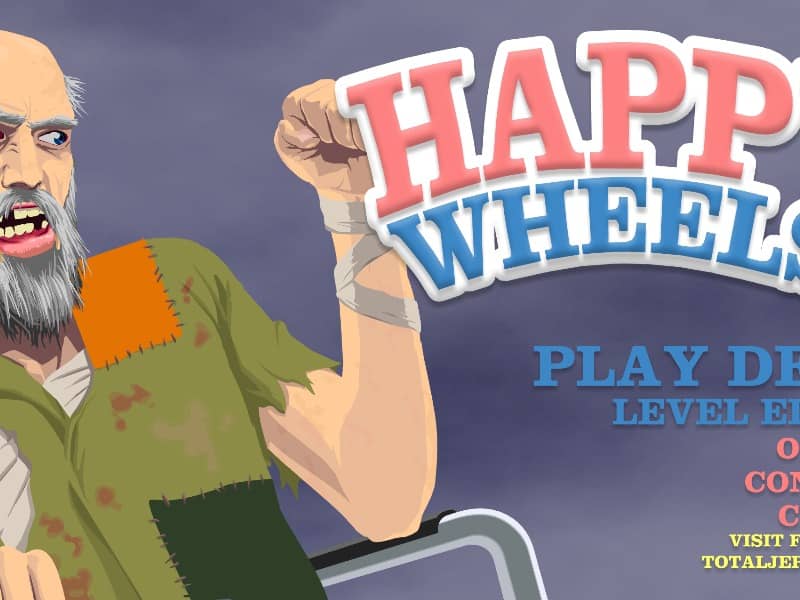
In Happy Wheels, your primary objective is to guide a chosen character to the finish line of a hazard-filled obstacle course. Use the Up arrow key to accelerate forward, the Down arrow key to reverse, and the Left and Right arrow keys to lean and balance your vehicle. Press the Spacebar to trigger your character's primary special ability, such as a jet boost or jump, and use Shift or Control for secondary actions. If your vehicle becomes trapped or destroyed, press Z to eject your character and attempt to drag their remaining body parts across the finish line. Success requires careful momentum management and quick reaction times. In the early stages of a run, focus on learning the physics of your vehicle and identifying upcoming hazards like spikes, mines, and giant wrecking balls. As the level progresses and the environment becomes more chaotic, maintain your balance to avoid flipping upside down. Do not hesitate to eject and crawl if your vehicle is disabled, as even a severely injured character can still trigger the victory line.
Spielinformationen
Happy Wheels online spielen – FLASH FAQ
Kann ich Happy Wheels kostenlos online spielen?
Ja. Du kannst Happy Wheels auf GGEMU kostenlos online im Browser spielen, ganz ohne Download.
Kann ich Happy Wheels auf dem Handy spielen?
Ja. Du kannst Happy Wheels über GGEMU sowohl auf Mobilgeräten als auch in Desktop-Browsern spielen.
Kann ich meinen Spielstand in Happy Wheels speichern?
Happy Wheels unterstützt derzeit keine GGEMU-Speicherstände. Falls das Spiel eine eigene Speicherfunktion bietet, kannst du diese verwenden.
Brauche ich einen Emulator oder spezielle Hardware, um Happy Wheels zu spielen?
Nein. Happy Wheels läuft auf GGEMU direkt in deinem Browser, ohne zusätzliche Hard- oder Software.
Kann ich Happy Wheels im Vollbildmodus spielen?
Ja. Happy Wheels unterstützt auf GGEMU den Vollbildmodus für ein intensiveres Spielerlebnis.
Kann ich Happy Wheels mit einem Gamepad oder Controller spielen?
Ja. Wenn ein kompatibler Controller angeschlossen ist, kannst du Happy Wheels auf GGEMU mit dem Gamepad steuern.