Comment jouer
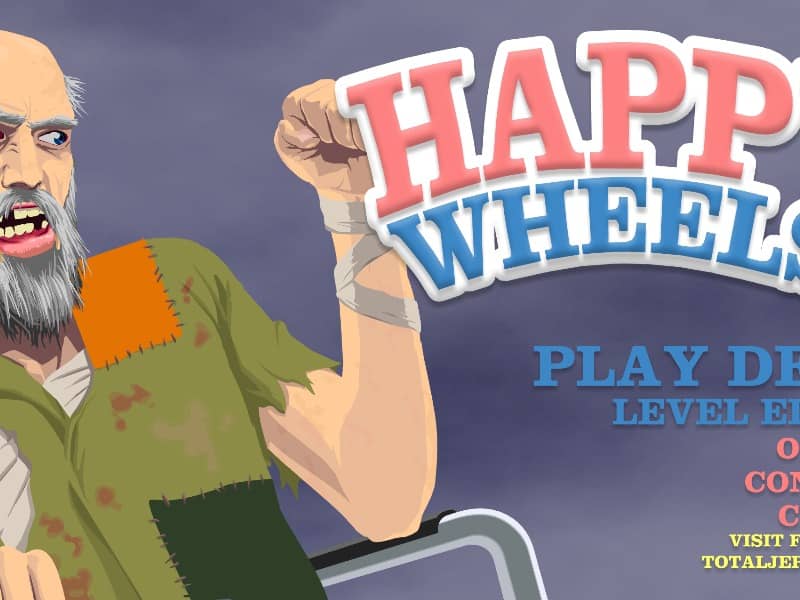
In Happy Wheels, your primary objective is to guide a chosen character to the finish line of a hazard-filled obstacle course. Use the Up arrow key to accelerate forward, the Down arrow key to reverse, and the Left and Right arrow keys to lean and balance your vehicle. Press the Spacebar to trigger your character's primary special ability, such as a jet boost or jump, and use Shift or Control for secondary actions. If your vehicle becomes trapped or destroyed, press Z to eject your character and attempt to drag their remaining body parts across the finish line. Success requires careful momentum management and quick reaction times. In the early stages of a run, focus on learning the physics of your vehicle and identifying upcoming hazards like spikes, mines, and giant wrecking balls. As the level progresses and the environment becomes more chaotic, maintain your balance to avoid flipping upside down. Do not hesitate to eject and crawl if your vehicle is disabled, as even a severely injured character can still trigger the victory line.
Informations sur le jeu
Jouer à Happy Wheels en ligne – FAQ FLASH
Puis-je jouer gratuitement à Happy Wheels en ligne ?
Oui. Vous pouvez jouer gratuitement à Happy Wheels en ligne dans votre navigateur sur GGEMU, sans téléchargement.
Puis-je jouer à Happy Wheels sur mobile ?
Oui. Vous pouvez jouer à Happy Wheels avec GGEMU sur mobile comme dans un navigateur sur ordinateur.
Puis-je sauvegarder ma progression dans Happy Wheels ?
Happy Wheels ne prend pas encore en charge les sauvegardes instantanées de GGEMU. Si le jeu possède sa propre fonction de sauvegarde, vous pouvez l'utiliser.
Faut-il un émulateur ou du matériel spécial pour jouer à Happy Wheels ?
Non. Happy Wheels fonctionne directement dans votre navigateur sur GGEMU, sans matériel ni logiciel supplémentaire.
Puis-je jouer à Happy Wheels en plein écran ?
Oui. Happy Wheels prend en charge le mode plein écran sur GGEMU pour une expérience plus immersive.
Puis-je jouer à Happy Wheels avec une manette ?
Oui. Vous pouvez jouer à Happy Wheels avec une manette sur GGEMU lorsqu'un modèle compatible est connecté.