So spielt man
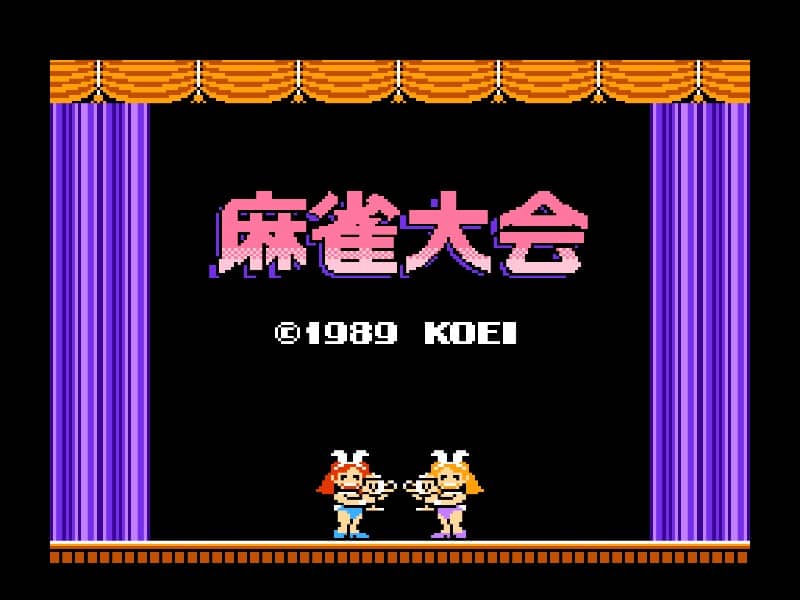
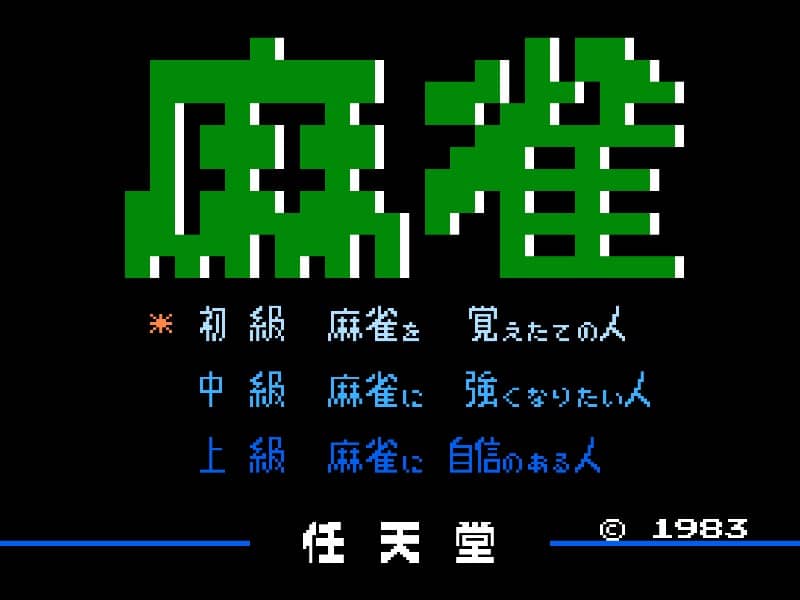
Mahjong for Famicom is a single-player tile-matching game where your objective is to clear the board by matching pairs of identical tiles. The game begins with a layout of 144 tiles arranged in multiple layers. You'll navigate a cursor to select tiles, looking for pairs that are not blocked on their left and right sides. When you find a matching pair, select both tiles to remove them from the board. The challenge comes from the three-dimensional nature of the layout - you must carefully plan which tiles to remove first to avoid blocking potential matches later in the game. As you progress, the layouts become more complex with tighter arrangements and fewer obvious matches. Focus on clearing the upper layers first to open up more options, and always keep an eye out for special tiles like seasons and flowers which can only match with their own kind. The game ends when you successfully clear all tiles or when no more moves are possible.
Spielinformationen
Mahjong online spielen – Famicom FAQ
Kann ich Mahjong kostenlos online spielen?
Ja. Du kannst Mahjong auf GGEMU kostenlos online im Browser spielen, ganz ohne Download.
Kann ich Mahjong auf dem Handy spielen?
Ja. Du kannst Mahjong über GGEMU sowohl auf Mobilgeräten als auch in Desktop-Browsern spielen.
Kann ich meinen Spielstand in Mahjong speichern?
Ja. Mahjong unterstützt lokale Speicherstände auf GGEMU. Mitglieder von GGEMU Premium können Spielstände außerdem in der Cloud speichern.
Brauche ich einen Emulator oder spezielle Hardware, um Mahjong zu spielen?
Nein. GGEMU führt Mahjong in deinem Browser aus, sodass du weder originale Famicom-Hardware noch einen separaten Emulator benötigst.
Kann ich Mahjong im Vollbildmodus spielen?
Ja. Mahjong unterstützt auf GGEMU den Vollbildmodus für ein intensiveres Spielerlebnis.
Kann ich Mahjong mit einem Gamepad oder Controller spielen?
Ja. Wenn ein kompatibler Controller angeschlossen ist, kannst du Mahjong auf GGEMU mit dem Gamepad steuern.