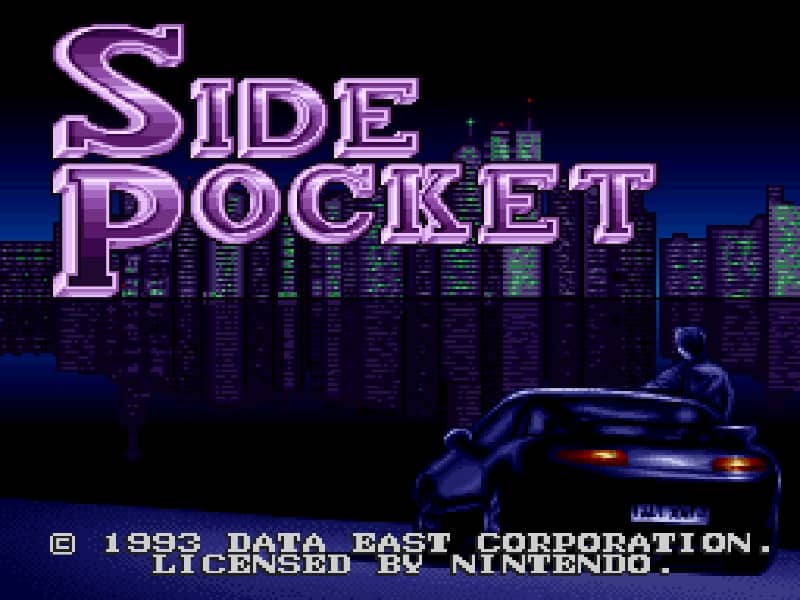
So spielt man
In Side Pocket, your goal is to clear the table by pocketing balls according to the rules of the selected game mode, such as 8-ball or 9-ball. You control the cue stick's aim and power using the D-pad and buttons. After aiming, you set the power level and then execute the shot. The game features a career mode where you travel to different pool halls, earning money from victories to enter higher-stakes tournaments. Early on, focus on mastering basic shots and understanding ball physics. As you progress, learn to use English (spin) to control the cue ball's position for your next shot. In tense moments, plan several shots ahead and avoid scratching (pocketing the cue ball), which results in a penalty. The key to success is consistent positioning and careful power management.
Spielinformationen
Side Pocket online spielen – Super Famicom FAQ
Kann ich Side Pocket kostenlos online spielen?
Ja. Du kannst Side Pocket auf GGEMU kostenlos online im Browser spielen, ganz ohne Download.
Kann ich Side Pocket auf dem Handy spielen?
Ja. Du kannst Side Pocket über GGEMU sowohl auf Mobilgeräten als auch in Desktop-Browsern spielen.
Kann ich meinen Spielstand in Side Pocket speichern?
Ja. Side Pocket unterstützt lokale Speicherstände auf GGEMU. Mitglieder von GGEMU Premium können Spielstände außerdem in der Cloud speichern.
Brauche ich einen Emulator oder spezielle Hardware, um Side Pocket zu spielen?
Nein. GGEMU führt Side Pocket in deinem Browser aus, sodass du weder originale Super Famicom-Hardware noch einen separaten Emulator benötigst.
Kann ich Side Pocket im Vollbildmodus spielen?
Ja. Side Pocket unterstützt auf GGEMU den Vollbildmodus für ein intensiveres Spielerlebnis.
Kann ich Side Pocket mit einem Gamepad oder Controller spielen?
Ja. Wenn ein kompatibler Controller angeschlossen ist, kannst du Side Pocket auf GGEMU mit dem Gamepad steuern.