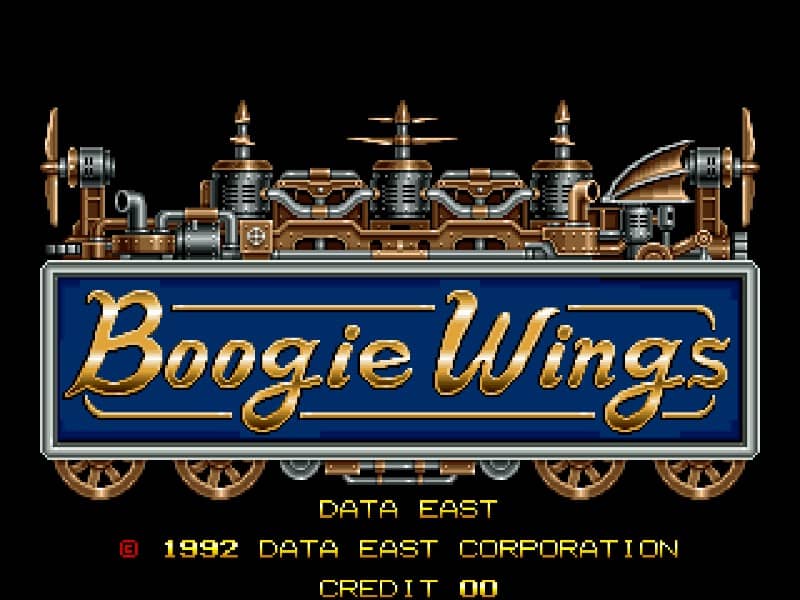
Download Boogie Wings for Arcade
Download the game file directly, then open it with an emulator compatible with Arcade.
boogwing.zipHow to download and play Boogie Wings
Select “Download” to save Boogie Wings to your device.
Install an emulator that supports Arcade.
Open or import the downloaded file in the emulator, then start playing locally.
Compatibility and troubleshooting
This file is intended for Arcade. Make sure your emulator supports that system before importing the file.
If the download does not start, allow downloads for this site and try again. If the file does not open, check the emulator's supported formats and import instructions.
About Boogie Wings
A side-scrolling action shoot 'em up arcade game where players pilot a transforming biplane that can also drive on the ground, battling enemy forces across various historical and futuristic stages.
Before you download
Only download and use game files that you are legally entitled to access. You are responsible for complying with the copyright laws that apply in your region.