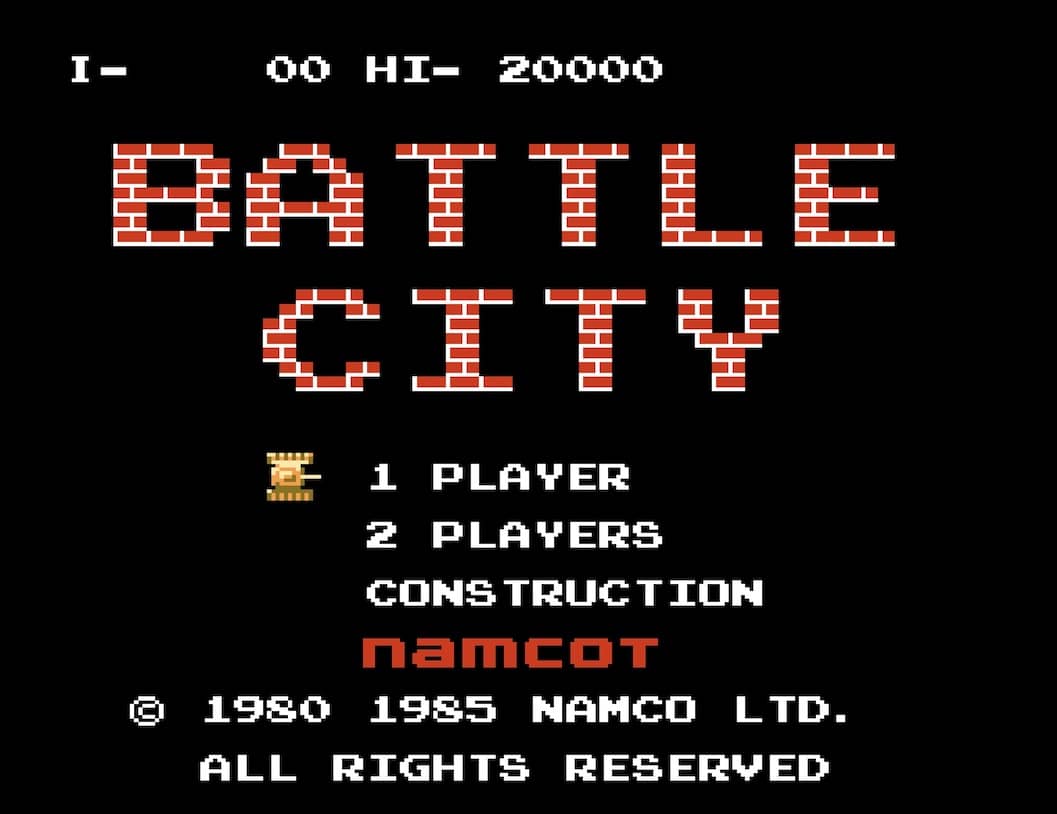
How to play
In Battle City, you control a tank from a top-down perspective with the goal of defending your eagle base at the bottom of the screen. Use the D-pad to move your tank in four directions and the A or B button to fire bullets at enemy tanks that appear from the top. You must destroy all enemy tanks in each stage to advance. Your base is vulnerable; if an enemy tank or bullet hits it, you lose a life. Power-ups occasionally appear when you destroy certain enemy tanks, granting abilities like increased firepower, speed boosts, or temporary invincibility. The battlefield is filled with destructible brick walls and indestructible steel walls that provide cover but can also block your shots. Early on, focus on clearing a safe path to protect your base while picking off enemies from a distance. As stages progress, enemy tanks become faster and more aggressive, requiring quick reflexes and strategic use of terrain. In tense moments, prioritize destroying tanks that are heading directly for your base and use power-ups wisely to turn the tide.
Information
Play Battle City Online - Famicom FAQ
Can I play Battle City online for free?
Yes. You can play Battle City online for free in your browser on GGEMU, with no download required.
Can I play Battle City on mobile?
Yes. You can play Battle City on mobile devices and desktop browsers through GGEMU.
Can I save my progress in Battle City?
Yes. Battle City supports local save states on GGEMU. Cloud saves are also available to GGEMU Premium members.
Do I need an emulator or special hardware to play Battle City?
No. GGEMU runs Battle City in your browser, so you do not need original Famicom hardware or a separate emulator.
Can I play Battle City in fullscreen mode?
Yes. Battle City supports fullscreen mode on GGEMU for a more immersive experience.
Can I play Battle City with a gamepad or controller?
Yes. Battle City supports gamepad controls on GGEMU when a compatible controller is connected.